Preparing Your Office Phone System for the New Year: the 2027 Checklist
A ten-step new-year checklist for the office phone system, updated with the 911 location rules, caller ID attestation, copper retirement and the AI features worth turning on.
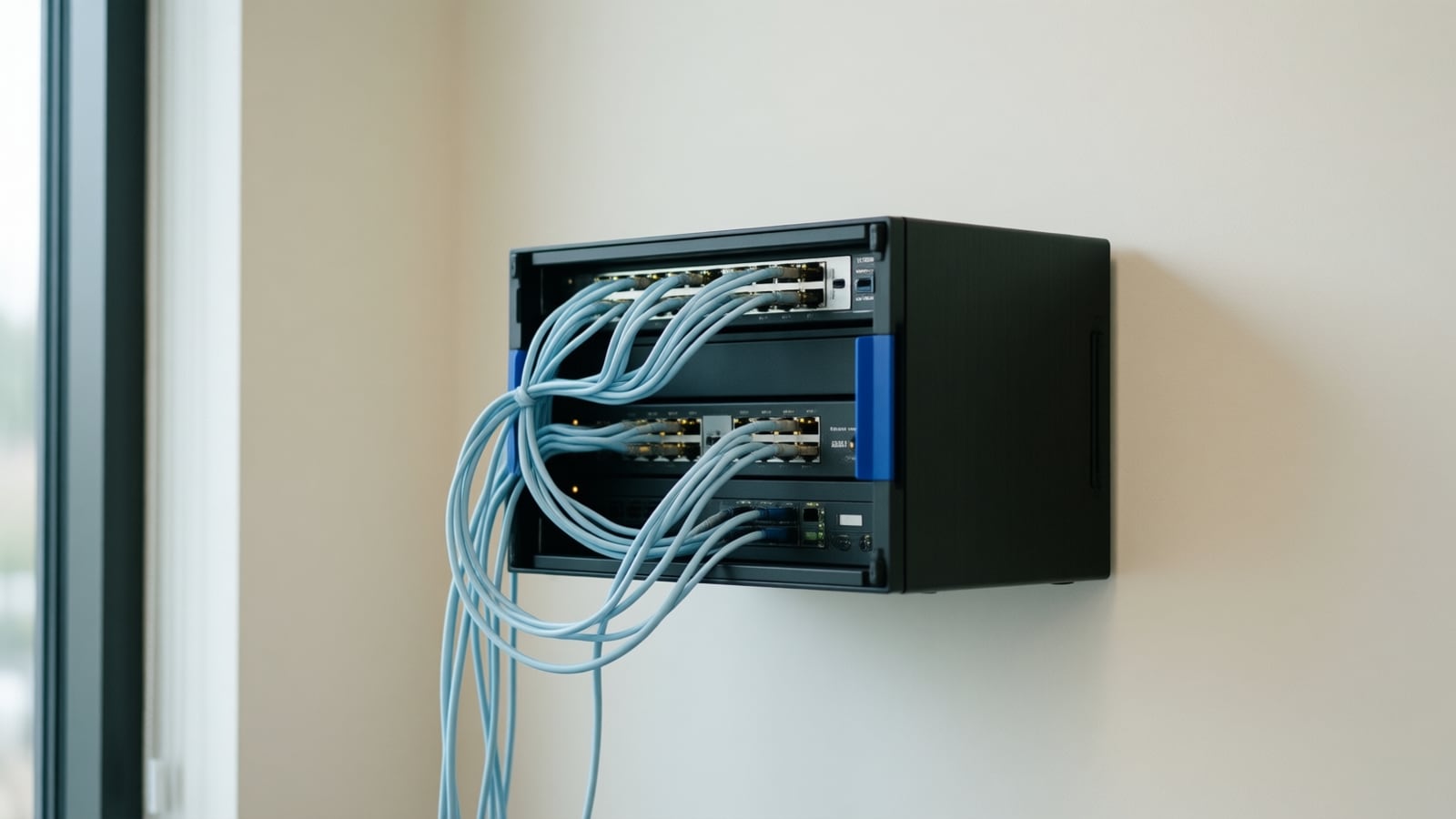
The turn of the year is the right time to make sure the office phone system matches the business, and the checklist has grown: routing and voicemail, 911 location data, software and firmware, call reports, security, caller ID attestation, remaining analog lines, backups and the AI features worth turning on. Here is the ten-step version, as of October 2026.
Multi-line telephone system (MLTS): any business phone system that serves several stations behind shared lines or a cloud platform, from an on-site PBX to a cloud phone service with desk phones and softphones. Federal 911 rules for direct dialing, notification and dispatchable location apply to it, and to whoever installs and manages it.
1. Do voicemail and call routing match reality?
The holidays and the new year bring staffing changes. Confirm every voicemail box is active, retire holiday greetings, remove departed staff from the auto-attendant and ring groups, and re-read the menu script to be sure it is accurate and sounds like your business. Then decide where after-hours and overflow calls should land; after-hours call handling options compares voicemail, forwarding, an answering service and an AI agent, and why missed calls cost service businesses customers explains what is at stake.
2. Does every phone dial 911 correctly, with the right location?
Federal rules require a multi-line telephone system to let a user dial 911 directly without any prefix or trunk-access code, to send a notification to a central location on site when 911 is dialed, and to be capable of providing the caller's dispatchable location to the dispatch center (47 CFR 9.16); the person who installs, manages or operates the system is responsible, and the manager is presumed responsible for a non-compliant system (47 CFR 9.17). For cloud VoIP, the provider must obtain a registered location for each line before service and give users a way to update it (47 CFR 9.11). In practice: walk the office with the extension list, update every address, floor and suite after any move, confirm the on-site notification reaches a person, and test using your provider's documented test procedure rather than by dialing 911.
3. Are software and hardware current?
Outdated firmware and software cause inefficiency and security exposure. Update the phone platform, the firmware on desk phones, gateways and analog adapters, and replace hardware the vendor no longer supports. Check the switches too: every desk phone needs a PoE port and a certified cable drop, and vendor guidance asks for hardwired phones on Cat5e or Cat6 (Nextiva networking guidelines).
4. What do the call reports say?
If the system reports, analyze the past year: call volume by hour and day, peak periods, abandoned calls, voicemail counts and average wait. Use it to adjust staffing, change ring groups and set goals. Then price what the missed calls cost with the missed call cost calculator; it shows the formula so you can argue with it.
5. Is the system secure?
Phone systems are a target for toll fraud and account takeover. Change default and old passwords, turn on multi-factor authentication for the admin portal and user accounts, remove former staff, restrict international dialing to the people who need it, and watch for unusual activity such as calls at odd hours. NIST's 2025 guidelines favor long unique passwords (at least 15 characters when used alone) over forced rotation and composition rules, and require a phishing-resistant MFA option (NIST SP 800-63B-4). Keep phones on their own VLAN with quality of service, one router (no double NAT) and SIP ALG disabled, which serves security and call quality at once (Nextiva networking guidelines). Our secure business network best practices article goes deeper.
6. Do customers see your name or a spam label?
Carriers authenticate caller ID on the calls they originate under the STIR/SHAKEN framework and verify it on calls they terminate (47 CFR 64.6301), and in December 2025 the FCC proposed requiring providers to display a verified caller name when a call carries full attestation (Federal Register, December 5, 2025). Ask your provider what attestation level your numbers receive, register your business name and numbers with the carrier analytics services, and make outbound calls from your main numbers rather than rotating ones. If you use any automated or AI-voiced outbound calling, the FCC confirmed in 2024 that AI-generated voices count as artificial voices under the TCPA and need prior express consent (FCC 24-17).
7. Which analog lines are still on copper?
Fax machines, alarm panels, elevator phones, gates and some point-of-sale terminals often still run on copper lines the business forgot it was paying for. In April 2026 the FCC adopted rules that reduce the barriers to retiring legacy copper networks and moving customers to IP-based service, while retaining safeguards for 911 continuity (Federal Register, April 20, 2026). Inventory every analog line, decide which to cancel and which to move to an analog adapter, a cellular communicator or a SIP line, and test each one with the alarm or elevator company before the carrier's notice arrives.
8. Can it grow, and should it move?
If you expect to hire or open a location, plan the lines, extensions and CRM or collaboration integrations now rather than mid-year. If the system is on its last supported version, this is the moment to compare platforms: Nextiva vs RingCentral vs 8x8 for small business covers plans, Teams routes and handsets, and what UCaaS includes in 2026 covers the bundle. Remember the port date: carriers must complete a simple port within one business day and a non-simple port within four business days unless a longer period is requested, and multi-number business ports are usually non-simple (47 CFR 52.35).
9. Which AI features are worth turning on?
Platforms now bundle AI: Nextiva's tiers include transcription, summarization and answer assist in rising quantities (Nextiva pricing), Zoom Phone offers call summaries and voicemail-to-task extraction (Zoom Phone), and Microsoft's Copilot in Teams calls captures conversation points for licensed users (Microsoft Learn). Turn on what removes work you already do, and for the calls that still reach voicemail, consider an AI receptionist or voice agent such as Donya. Every one of these creates recordings or transcripts, so set the consent notice first; California treats recording as an all-party consent matter, and the call recording notice generator drafts the greeting and privacy language for your attorney to confirm.
10. Have you tested everything and backed it up?
Make internal and external test calls, verify voicemail, forwarding, the after-hours flow and any AI handoff, and listen for call quality on a wired phone and on Wi-Fi. Then back up the configuration: extensions, routing, menus and recordings, schedules, emergency addresses and integrations. Cloud platforms keep this for you; confirm it and know how to export it. Do it before declaring the system ready for the year.
| Step | Check | Who usually owns it |
|---|---|---|
| 1 | Greetings, menus, directory, after-hours routing | Office manager |
| 2 | Direct 911 dialing, on-site notification, dispatchable location per extension | Installer or managed provider |
| 3 | Platform, phone and gateway firmware; PoE and cabling | Managed provider |
| 4 | Call reports: volume, peaks, abandoned calls | Operations |
| 5 | Passwords, MFA, dialing restrictions, voice VLAN | Managed provider |
| 6 | Caller ID attestation and business name registration | Provider, with the carrier |
| 7 | Inventory of copper lines and their replacements | Managed provider, with alarm and elevator vendors |
| 8 | Growth plan, platform comparison, port timing | Owner and provider |
| 9 | AI features, consent notices, retention | Owner, provider and counsel |
| 10 | Test calls, failover, configuration backup | Managed provider |
Key takeaways
- Fix routing and greetings first; it is what callers notice.
- Every extension must dial 911 directly, notify someone on site and carry a dispatchable location; the installer or manager is responsible.
- Caller ID attestation decides whether customers see your name; ask your provider.
- Inventory copper lines now; the 2026 rules put their retirement on the carrier's schedule.
- Turn on AI features that remove existing work, with consent notices and retention set first.
How Telxpress helps
Telxpress reviews, upgrades and supports office phone systems as part of the phone systems and VoIP service, checks the network underneath, handles 911 location data, porting and analog line migration, and can add the Donya AI voice agent for the calls that currently go to voicemail. Book a consultation to start the year with a checked system.
Questions
Questions this article answers
What is the most common phone problem we find in January?
Stale call routing. Staff who left are still in the auto-attendant, holiday greetings are still playing, and after-hours calls go to a voicemail nobody checks. It is the first thing a caller notices and the quickest thing to fix. Review greetings, schedules and the directory before anything more technical, and decide where after-hours calls should land.
How do we know whether to upgrade or replace the phone system?
Look at three things: whether the vendor still supports the hardware and software, whether staff have asked for features the system cannot provide such as mobile apps, CRM integration or AI notes, and whether it still depends on copper lines that the carrier may retire. If two of the three point the same way, plan the replacement.
What should be in a phone system backup?
The full configuration: extensions, users, routing rules, auto-attendant menus and recordings, schedules, voicemail settings, emergency addresses and integrations. Cloud platforms keep this for you; confirm it and know how to export it. For on-site systems, store a dated copy off the box so a hardware failure is an inconvenience rather than a rebuild, and test that the copy restores.
Does our phone system have to dial 911 without a prefix?
Yes. Federal rules require multi-line systems to let a user dial 911 directly with no prefix, to notify someone on site when 911 is dialed, and to pass the caller's dispatchable location, such as floor and suite, to dispatchers. Whoever installs or manages the system is responsible, so test it every year.
Which AI phone features are worth turning on this year?
Start with the ones that remove work you already do: voicemail transcription so messages are read not replayed, call summaries that save after-call notes, and an AI receptionist or voice agent for the calls that reach voicemail after hours. Skip what nobody asked for. Each one creates recordings or transcripts, so set consent notices and retention before switching it on.
Keep reading
Related articles
- Business Technology October 26, 2026
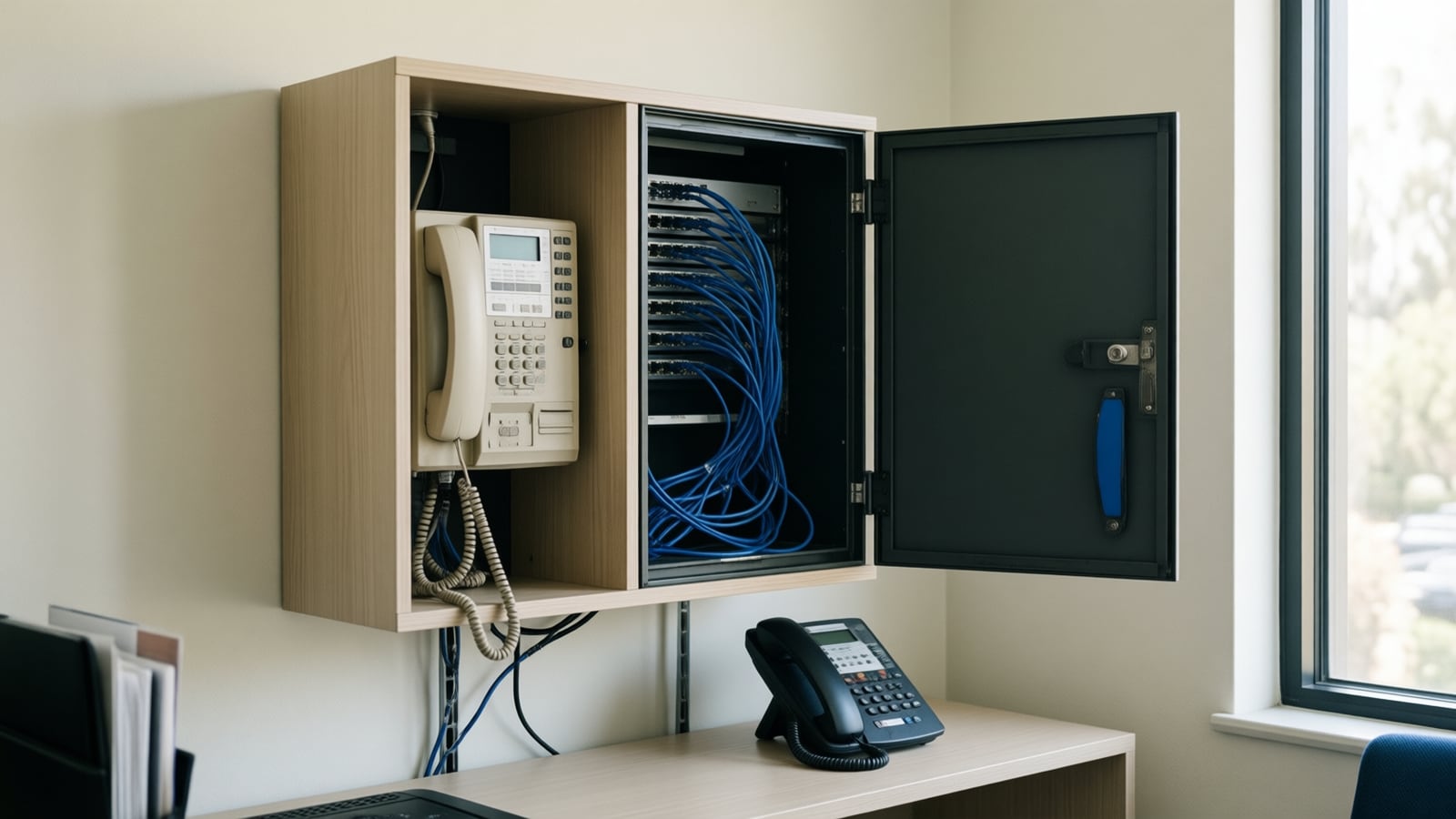
Moving From an On-Premise PBX to Cloud VoIP: A Step-by-Step Migration Plan
Most failed phone migrations break on paperwork, network settings or a forgotten fax line, not on the new platform. Here is the order of work that avoids all three.
- Business Technology October 22, 2026
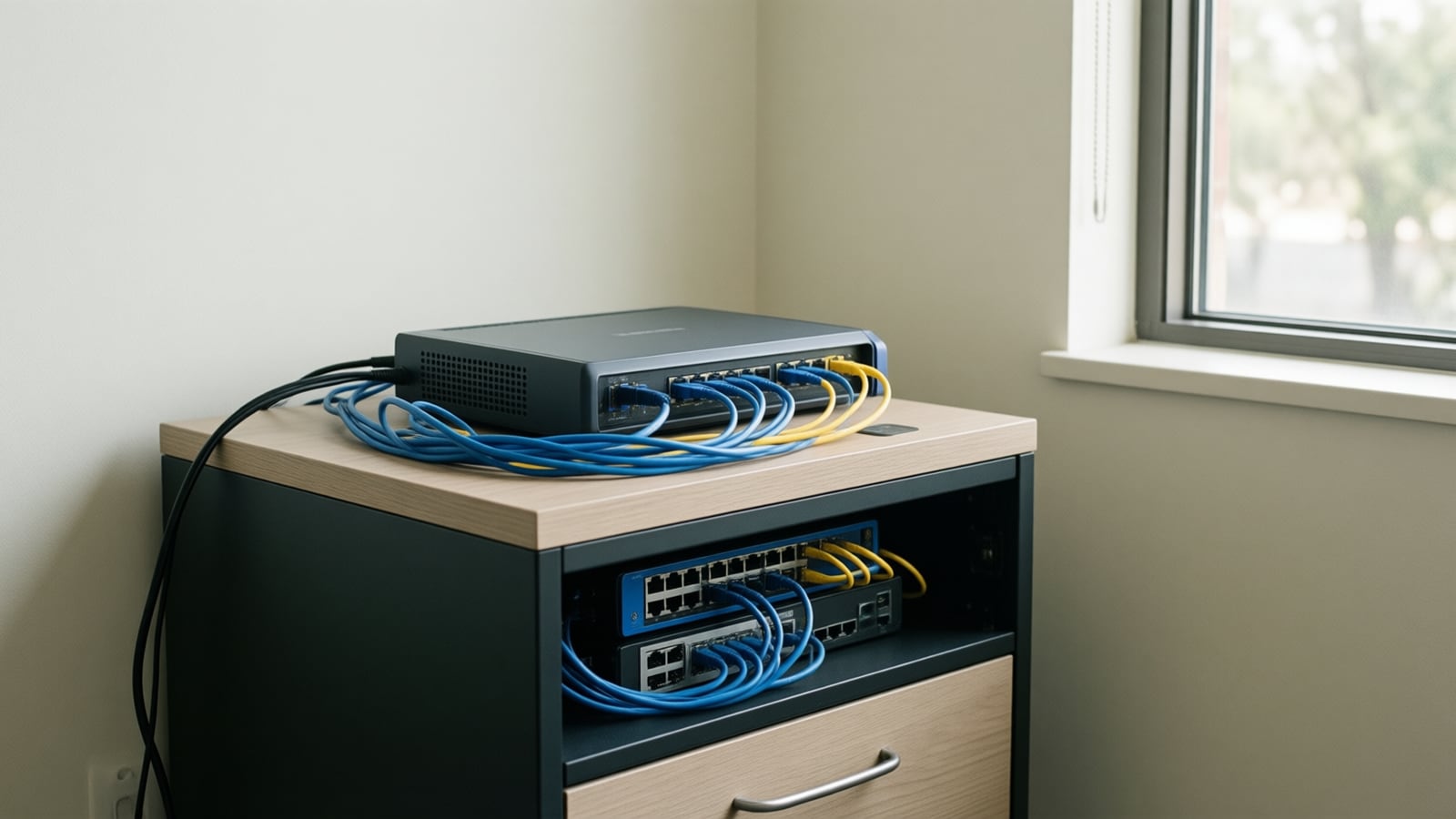
SD-WAN for Small Business: When It Is Worth It and When It Is Not
A second internet line only helps if something decides, every second, which line your calls and video should use. That decision is what you are buying with SD-WAN.
- Business Technology October 19, 2026

Conference Room AV Checklist for an Orange County Office
Most disappointing meeting rooms fail on sound and network rather than screen size, so check the room itself before you choose a single piece of hardware.