Best Practices for a Secure Business Network in 2026: MFA, Segmentation, Backups
The network security practices that hold up in real offices, updated for 2026 with NIST's password rules, phishing-resistant MFA, segmentation and tested offline backups.
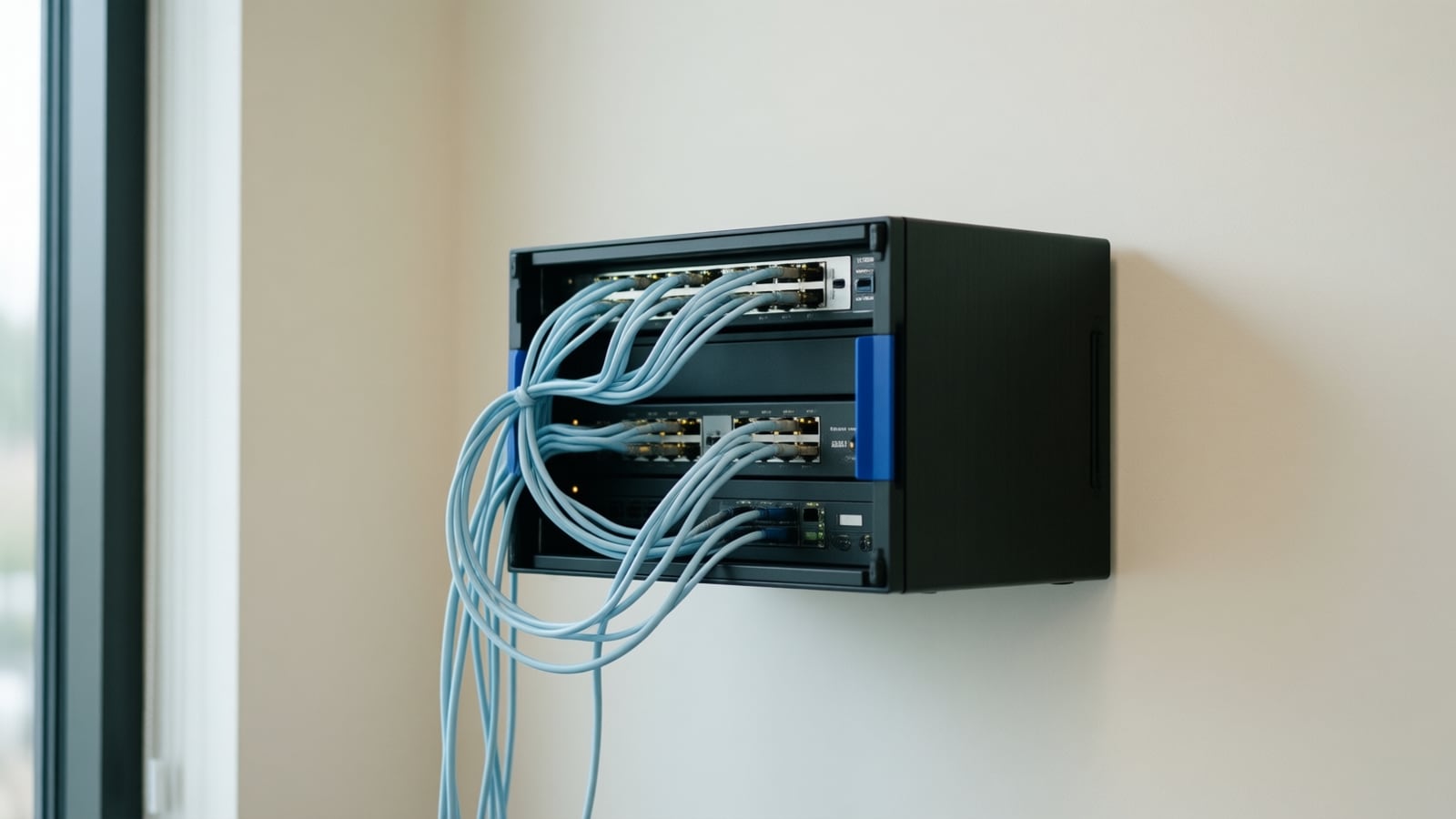
Securing a business network is no longer optional, and the practices that hold up have changed: phishing-resistant multi-factor authentication, passwords that are long rather than rotated, a segmented network, offline tested backups and a rehearsed incident plan. Here are the nine practices we apply in real offices as of October 2026, including the phone system on the same wires.
Network segmentation: dividing one network into separate zones (usually VLANs with firewall rules between them) so that staff computers, guest devices, phones, cameras, servers and payment systems cannot reach each other freely. It limits how far an intruder or a piece of malware can move after the first foothold.
Why a layered defense?
Relying on a single control is not enough. Defense in depth means that when one layer fails, others still protect you: a firewall at the edge, segmentation inside, multi-factor authentication on accounts, endpoint protection on every laptop, and monitoring that notices when something slips through. The joint federal ransomware guide from CISA, the FBI, NSA and MS-ISAC organizes its prevention advice the same way, from backups and segmentation to MFA, patching and remote access (#StopRansomware Guide). Voice traffic belongs in that design too: calls and signaling should be encrypted, and phones should sit in their own zone.
Are passwords and MFA done the modern way?
Weak, reused and phished passwords remain the most common entry point, and the advice has changed. NIST's 2025 Digital Identity Guidelines require passwords used alone to be at least 15 characters (eight when they are one factor of MFA), prohibit composition rules such as mandatory symbols, prohibit forced periodic changes unless there is evidence of compromise, require new passwords to be checked against a blocklist of common and breached values, and require that password managers and paste be allowed (NIST SP 800-63B-4). The same document states that passwords are not phishing-resistant and requires a phishing-resistant option at its second assurance level. In practice: a password manager for everyone, MFA on email, remote access, the firewall and the phone system portal, and phishing-resistant methods (FIDO security keys or passkeys) for administrators and finance first. The federal ransomware guide likewise calls for phishing-resistant MFA for all services, prioritizing email, VPNs and critical systems (#StopRansomware Guide).
Is the network segmented?
A flat network lets one infected laptop reach everything. Put staff computers, guest devices, phones, cameras and door controllers, servers and payment terminals in separate VLANs with firewall rules between them, and allow only the traffic each zone needs. The ransomware guide recommends employing logical or physical means of network segmentation and not exposing services such as remote desktop to the internet (#StopRansomware Guide). Voice gets its own VLAN with quality-of-service marking, which also removes the usual causes of call quality complaints; vendor guidance asks for hardwired phones, QoS and SIP ALG disabled on the router (Nextiva networking guidelines).
Are your systems patched?
Outdated software is the easiest way in. Schedule updates for operating systems, applications, firewalls, switches, access points and firmware, enable automatic updates where possible, and run periodic vulnerability scans. Desk phones and the phone platform need patching too; a managed provider handles that for you. Replace equipment the vendor no longer updates, because an unpatched firewall is a liability, not a control.
Is your team trained?
Human error is behind many breaches. Short, regular training on phishing and social engineering, simulated phishing tests and a clear way to report something suspicious reduce risk more than any single product. Add voice to the curriculum: AI-generated voices make phone impersonation of an executive or a vendor cheap, and a callback rule for any payment or credential request costs nothing. For the wider policy, see what an AI policy for a small business should cover.
Is the Wi-Fi hardened?
Use the current security generation: the Wi-Fi Alliance's WPA3 provides stronger authentication and cryptographic protection than its predecessor, Wi-Fi Enhanced Open encrypts traffic on open guest networks without a password, and Protected Management Frames protect the management traffic from eavesdropping and forging (Wi-Fi Alliance). Give guests their own network that cannot reach business systems, separate phones, cameras and other devices from staff computers, and prefer wired connections for anything that must not drop. Voice over Wi-Fi is fine on a well-designed network and risky on a flat one; Microsoft's guidance is to prioritize media traffic over Wi-Fi with WMM or QoS (Microsoft Learn). The networking service page lists the Ubiquiti and Cisco Meraki Wi-Fi and Fortinet firewalls we install.
Are backups real?
Ransomware is survivable when you can restore. The federal guide says to maintain offline, encrypted backups of critical data and to regularly test the availability and integrity of backups in a disaster recovery scenario, because many variants try to find and delete or encrypt accessible backups (#StopRansomware Guide). Back up on a schedule, keep at least one copy offline or in immutable cloud storage, and restore a sample every quarter. Cloud phone platforms keep their own configuration; confirm yours does and know how to export it. Healthcare organizations have a specific duty here: the HIPAA Security Rule requires a data backup plan that creates and maintains retrievable exact copies of electronic protected health information (45 CFR 164.308); see VoIP for healthcare communication for the phone side.
Are you watching the network?
Monitoring and alerting catch problems early: repeated failed logins, an unusual data transfer, a device talking to an address it never used, or a sudden spike in international calls that signals toll fraud. Keep logs long enough to investigate, and review them. Regular audits confirm controls still match policy; the HIPAA Security Rule, for example, requires regular review of audit logs and access reports (45 CFR 164.308), and the same habit serves any business.
Do you have an incident response plan?
Breaches happen despite good practice. Write down roles, containment steps, how you communicate when email is down, and who notifies customers, insurers and regulators. The federal guide asks organizations to create, maintain and regularly exercise a basic cyber incident response plan with communication and notification procedures (#StopRansomware Guide). Rehearse it once a year, and include the phone system: a plan that assumes the phones work during an outage of the network they run on is not a plan. Round-the-clock support from your provider shortens the response.
Should you bring in experts?
Security is complex and most businesses have limited IT staff. A partner brings tools, current knowledge of threats and ongoing support as you grow. Choose one that will show you its own controls: CISA's current Cross-Sector Cybersecurity Performance Goals (version 2.0) add a goal on managing risk from managed service providers, and the question applies to any business handing a provider the keys (CISA Cross-Sector Cybersecurity Performance Goals).
| Practice | Minimum for a small office | Source |
|---|---|---|
| MFA | On email, remote access, firewall and phone portal; phishing-resistant for admins | NIST SP 800-63B-4; #StopRansomware Guide |
| Passwords | 15 characters or more, unique, in a manager, no forced rotation, blocklist check | NIST SP 800-63B-4 |
| Segmentation | Staff, guest, voice, devices and servers in separate VLANs; no remote desktop exposed | #StopRansomware Guide |
| Patching | Automatic updates; replace unsupported firewalls, phones and access points | #StopRansomware Guide |
| Wi-Fi | WPA3, separate guest network, WMM or QoS for voice | Wi-Fi Alliance; Microsoft |
| Backups | Offline or immutable copy, encrypted, restore tested quarterly | #StopRansomware Guide |
| Incident plan | Written, rehearsed yearly, includes phones and out-of-band contact | #StopRansomware Guide |
Key takeaways
- Phishing-resistant MFA on email, remote access and admin portals is the single highest-value control.
- Passwords: long, unique, in a manager, never rotated on a schedule; NIST retired the old advice.
- Segment the network so phones, cameras, guests and staff cannot reach each other freely.
- Backups count only when one copy is offline and a restore has been tested.
- The phone system is part of the attack surface: default passwords, firmware, international dialing and the admin portal.
How Telxpress helps
Network security is part of the Telxpress networking service, built with firewall partners such as Fortinet and Wi-Fi from Ubiquiti and Cisco Meraki, and it carries into the phone systems and surveillance systems we install, each on its own network segment. Governance and acceptable-use policy are covered in our AI advisory service. Book a consultation for a network review.
Questions
Questions this article answers
Where should a small business start with network security?
With the controls that stop most attacks: multi-factor authentication on email, remote access and admin accounts, automatic updates, a properly configured firewall, backups kept offline and tested, and short regular staff training on phishing. Federal guidance for ransomware prevention lists the same items first. Those five cover the common failure modes before any advanced tooling is worth discussing.
Is the phone system a security risk?
It can be. Phones and the platform behind them are network devices with passwords, firmware and internet exposure, and toll fraud through a compromised extension is a real cost. Change default passwords, keep firmware current, restrict international dialing, turn on MFA for the admin portal, and put phones on their own network segment.
How often should we test our backups?
At least quarterly, and after any significant change to systems. A backup that has never been restored is a hope, not a plan. Restore a sample of files and one full system to confirm the process works and to learn how long recovery really takes, then write that time into the incident response plan and keep one copy offline.
Should we still force password changes every 90 days?
No. NIST's 2025 digital identity guidelines say verifiers should not require periodic password changes, should force a change only when there is evidence of compromise, should not impose composition rules, and should screen new passwords against a blocklist of common or breached values. Long unique passwords in a manager, with MFA in front of them, do more than rotation did.
What is network segmentation and do we need it?
Segmentation splits one flat network into zones, usually VLANs behind firewall rules, so a compromised laptop cannot reach the phone system, cameras, servers or payment terminals. Federal ransomware guidance recommends logical or physical segmentation because it limits how far an intruder can move. A small office needs staff, guest, voice and device zones; most business firewalls can do it.
Keep reading
Related articles
- Business Technology October 26, 2026
Moving From an On-Premise PBX to Cloud VoIP: A Step-by-Step Migration Plan
Most failed phone migrations break on paperwork, network settings or a forgotten fax line, not on the new platform. Here is the order of work that avoids all three.
- Business Technology October 22, 2026
SD-WAN for Small Business: When It Is Worth It and When It Is Not
A second internet line only helps if something decides, every second, which line your calls and video should use. That decision is what you are buying with SD-WAN.
- Business Technology October 19, 2026

Conference Room AV Checklist for an Orange County Office
Most disappointing meeting rooms fail on sound and network rather than screen size, so check the room itself before you choose a single piece of hardware.