Boost Your VoIP Calls: Top Tips for Crystal Clear Communication
The steps we check on a site visit when business calls sound choppy or delayed, in order, from bandwidth and QoS to hardware, failover and codecs.
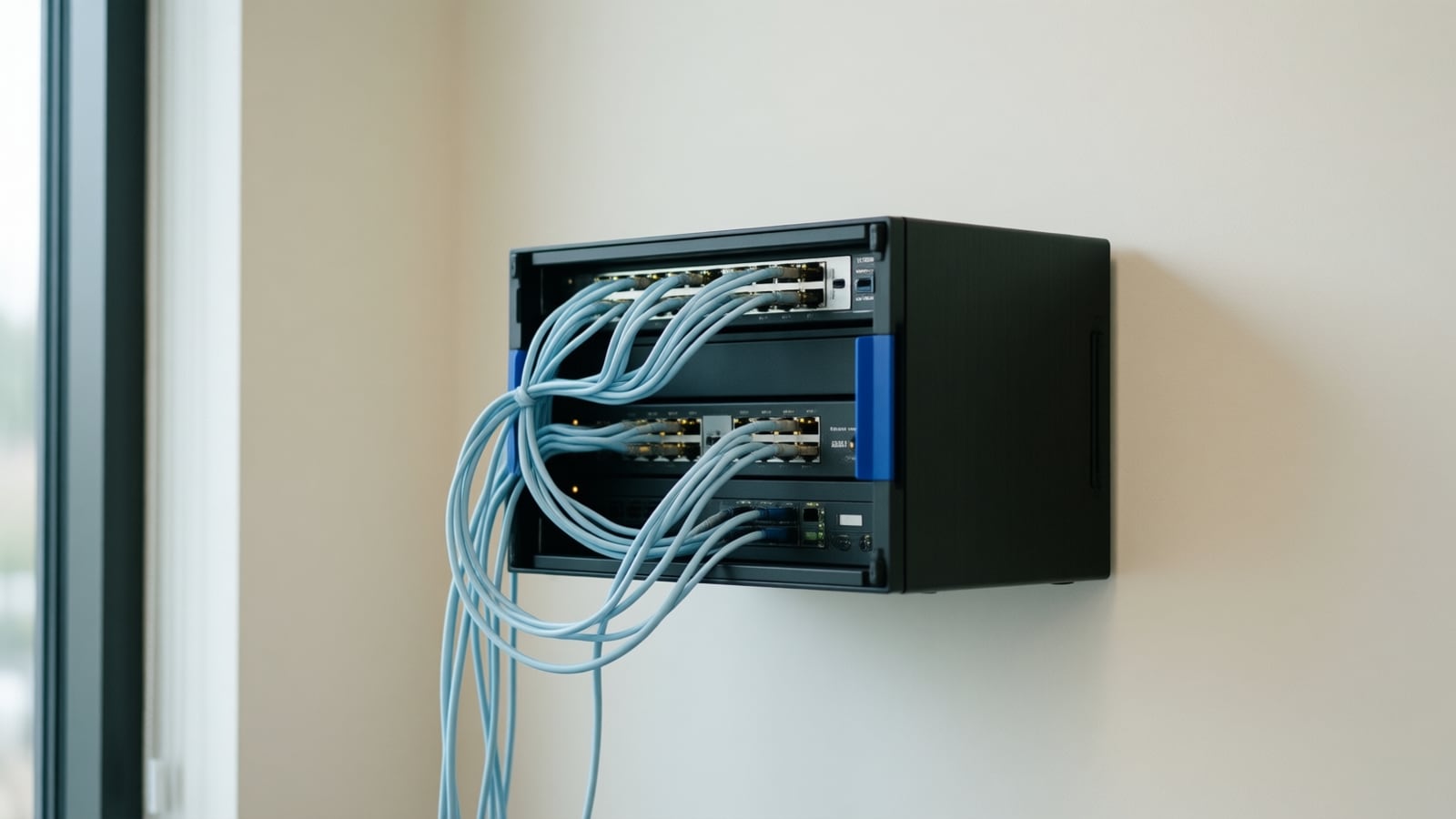
Voice over Internet Protocol (VoIP) phone systems offer flexibility and cost savings over traditional phone lines, but call quality depends on the network they run on. Bandwidth, latency, jitter and hardware all play a part. Here are the steps we check, in order, when a client reports poor call quality.
Does your connection have enough bandwidth?
VoIP calls need a stable connection with headroom. Check what your service actually delivers at busy times, not just the plan's advertised speed, and pay attention to upload capacity, which is usually the smaller number. If peak-hour congestion is the problem, upgrading the circuit or adding a second one is the fix.
Have you prioritized voice traffic?
Quality of Service (QoS) settings on your router and switches let voice packets jump the queue ahead of downloads, backups and video. This reduces latency and packet loss during busy periods. Configure QoS to give voice the highest priority and confirm it is applied end to end, not only on one device.
How do you control jitter and latency?
Jitter is variation in packet arrival time; it causes clipped or robotic audio. A jitter buffer in the phone system smooths it out. Latency, the delay between speaking and being heard, is reduced by using wired connections instead of Wi-Fi, cutting unnecessary network hops and retiring aging switches and routers.
Is the hardware up to the job?
Cheap or outdated phones, headsets and routers introduce noise and distortion. Business-grade handsets and a router that supports proper QoS pay for themselves in fewer complaints. Keep firmware current; updates often include audio and stability fixes.
Are you monitoring the network?
Monitoring tools show packet loss, jitter and latency over time, so a small problem is caught before it becomes a bad week of calls. Reviewing those reports is part of what a managed service does for you.
What happens when the connection fails?
Redundancy keeps you reachable. A backup internet connection with automatic failover, or a cloud phone platform that can forward to mobiles when the office is offline, means a carrier outage does not become a business outage.
Which codec should you use?
Codecs compress voice for transmission. A higher-quality codec sounds better but uses more bandwidth; a compressed codec saves bandwidth at some cost in clarity. Match the choice to your connection and let the provider tune it.
Do updates and user habits matter?
Yes. Keep the phone system software current for performance and security fixes. Teach users to use headsets instead of speakerphones in open areas and to avoid streaming video on the same connection during important calls.
Where this fits today
Telxpress designs, installs and supports the whole stack these tips describe. See our phone systems and VoIP service, the networking service that handles QoS and switching, and business connectivity for primary and backup circuits. If calls are already a problem, book a consultation and we will look at the network first.
Questions
Questions this article answers
Why do our VoIP calls sound choppy even though our internet is fast?
Download speed is rarely the problem. Choppy audio usually comes from jitter (packets arriving unevenly), packet loss, or voice traffic competing with downloads and video on the same connection. Fixing it means prioritizing voice with QoS on the router and switches, using wired connections for phones, and checking the upload side of the link, which is often the weaker one.
Is Wi-Fi good enough for business phones?
It can be, but wired is better. Wi-Fi adds interference and variable delay that voice exposes immediately, while a browser hides it. For desk phones we recommend Ethernet, ideally with PoE from the switch. Where staff move around, a properly designed Wi-Fi network with voice prioritization and enough access points works well.
Do we need a second internet connection for phones?
If a phone outage would stop your business, yes. A second connection from a different carrier, with automatic failover, keeps calls running when the primary line drops. For many offices a modest secondary circuit is enough because voice uses little bandwidth; the point is independence from the first connection's failure modes.
Keep reading
Related articles
- Business Technology October 26, 2026
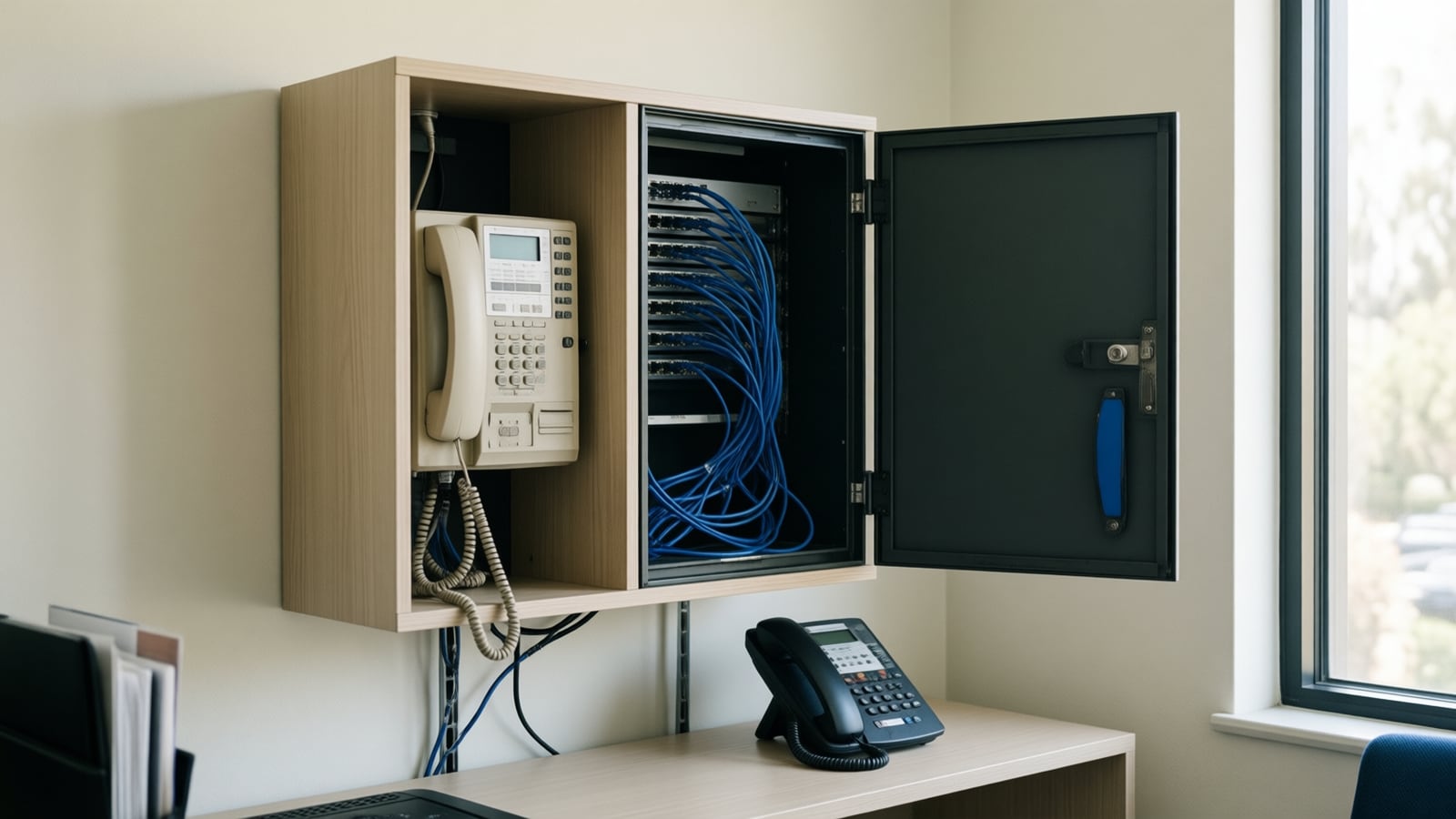
Moving From an On-Premise PBX to Cloud VoIP: A Step-by-Step Migration Plan
Most failed phone migrations break on paperwork, network settings or a forgotten fax line, not on the new platform. Here is the order of work that avoids all three.
- Business Technology October 22, 2026
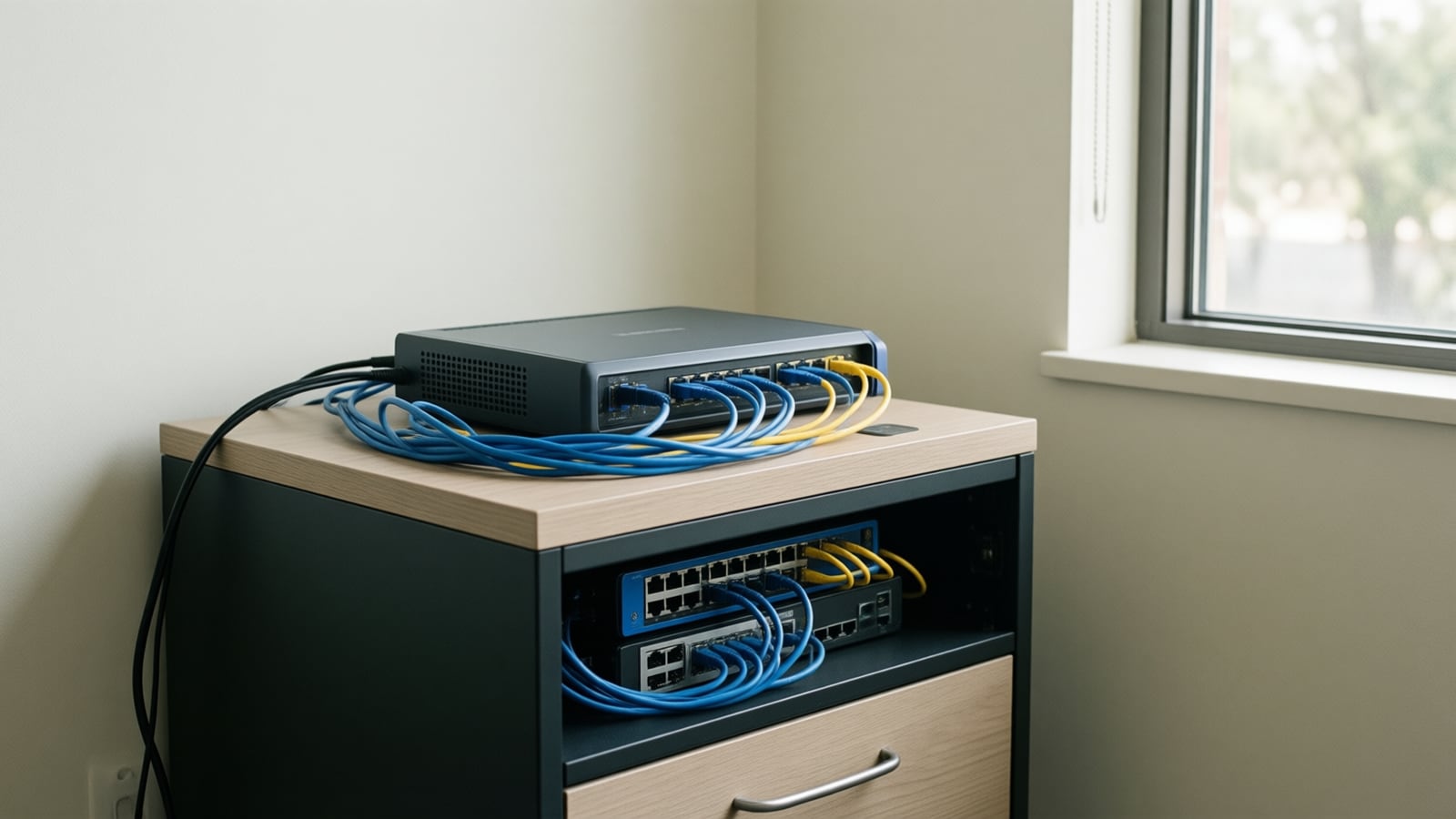
SD-WAN for Small Business: When It Is Worth It and When It Is Not
A second internet line only helps if something decides, every second, which line your calls and video should use. That decision is what you are buying with SD-WAN.
- Business Technology October 19, 2026

Conference Room AV Checklist for an Orange County Office
Most disappointing meeting rooms fail on sound and network rather than screen size, so check the room itself before you choose a single piece of hardware.