Boost Your VoIP Reliability: How SD-WAN Keeps Calls Clear
How SD-WAN keeps business phone calls clear by steering voice over the healthiest connection, prioritizing it and failing over automatically, and when a simpler setup is enough.
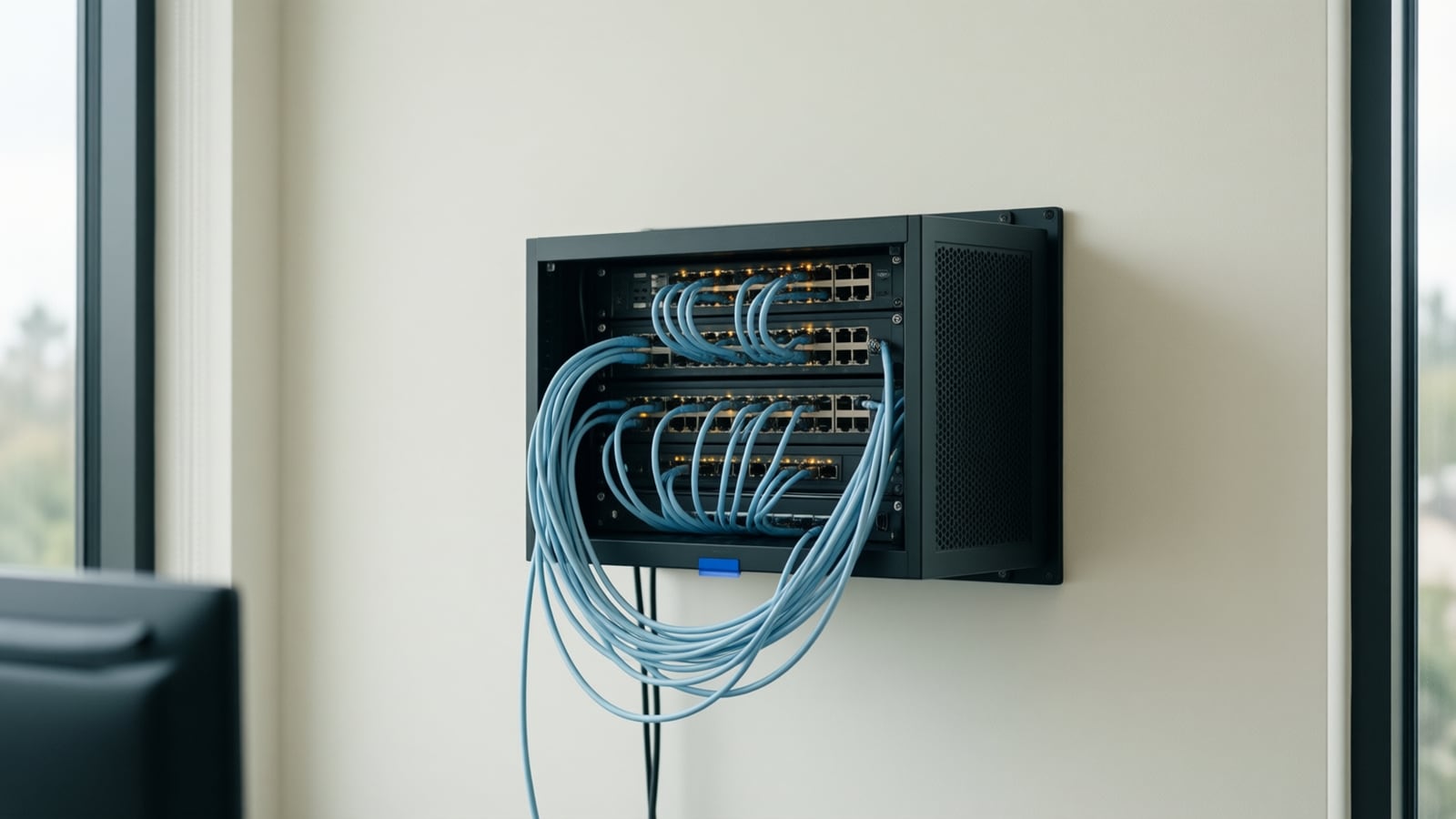
Reliable communication is central to running a business, and VoIP systems deliver it at lower cost and with more flexibility than traditional lines. Their weakness is that call quality depends on the network: latency, jitter and packet loss on the internet connection show up immediately as poor audio. Software-defined wide area networking (SD-WAN) addresses that weakness directly.
How does SD-WAN route voice traffic?
Traditional networks follow static routes. SD-WAN selects the best path in real time based on measured conditions, so voice packets take the route with the least delay and loss at that moment. Calls experience fewer delays and better clarity even when one connection is having a bad day.
How does it prioritize calls?
SD-WAN classifies traffic and gives VoIP priority over less urgent data such as file downloads, backups or video streaming. Voice keeps its lane during peak usage, so call quality stays consistent when the office is busiest.
What happens when a connection fails?
SD-WAN uses several internet connections at once. If one fails or degrades, traffic moves to another link automatically and calls in progress continue. This failover is the single most valuable feature for businesses whose phones cannot go down.
Does it make better use of bandwidth?
By aggregating multiple links, SD-WAN uses all the capacity you pay for instead of leaving a backup circuit idle. More simultaneous calls fit without degradation, and critical voice traffic always has the resources it needs.
What about security?
VoIP traffic is exposed to eavesdropping and denial-of-service attacks. SD-WAN platforms include encryption, secure tunneling between sites and, in many cases, integrated firewall features that protect voice traffic from unauthorized access. We still pair SD-WAN with a proper firewall; the two work together.
Is it easier to manage?
Yes. A central console shows network performance across every location, lets administrators adjust policies and troubleshoot in real time, and shortens the path from "calls sound bad" to a fix.
Does it save money?
Often. SD-WAN lets businesses use affordable broadband connections in place of expensive private circuits without giving up voice quality, and it lets a single team manage several sites.
Where this fits today
SD-WAN is part of the business connectivity service Telxpress designs and installs, alongside the networking and firewall work and the phone systems that ride on top. If you run more than one location or cannot afford a phone outage, book a consultation and we will review your connections first.
Questions
Questions this article answers
What is SD-WAN in plain terms?
SD-WAN is a layer of software that sits over two or more internet connections and decides, packet by packet, which one each type of traffic should use. For voice it picks the path with the least delay and loss at that moment, and moves calls to another path when conditions change, without the call dropping.
Does a small office need SD-WAN for VoIP?
Not always. A single office with one good connection and correct QoS settings may be fine. SD-WAN earns its place when you have more than one location, when you depend on calls and cannot tolerate an outage, or when you already pay for two connections and want them to work together rather than sit idle.
Is SD-WAN a replacement for a firewall?
No. Many SD-WAN appliances include security features such as encryption and basic filtering, and some vendors bundle a full firewall, but the two jobs are different. We design the firewall and the SD-WAN together so voice gets priority and the network stays protected, usually with equipment from the partners we install and support.
Keep reading
Related articles
- Business Technology October 26, 2026
Moving From an On-Premise PBX to Cloud VoIP: A Step-by-Step Migration Plan
Most failed phone migrations break on paperwork, network settings or a forgotten fax line, not on the new platform. Here is the order of work that avoids all three.
- Business Technology October 22, 2026
SD-WAN for Small Business: When It Is Worth It and When It Is Not
A second internet line only helps if something decides, every second, which line your calls and video should use. That decision is what you are buying with SD-WAN.
- Business Technology October 19, 2026

Conference Room AV Checklist for an Orange County Office
Most disappointing meeting rooms fail on sound and network rather than screen size, so check the room itself before you choose a single piece of hardware.