SD-WAN for Small Business: When It Is Worth It and When It Is Not
A second internet line only helps if something decides, every second, which line your calls and video should use. That decision is what you are buying with SD-WAN.
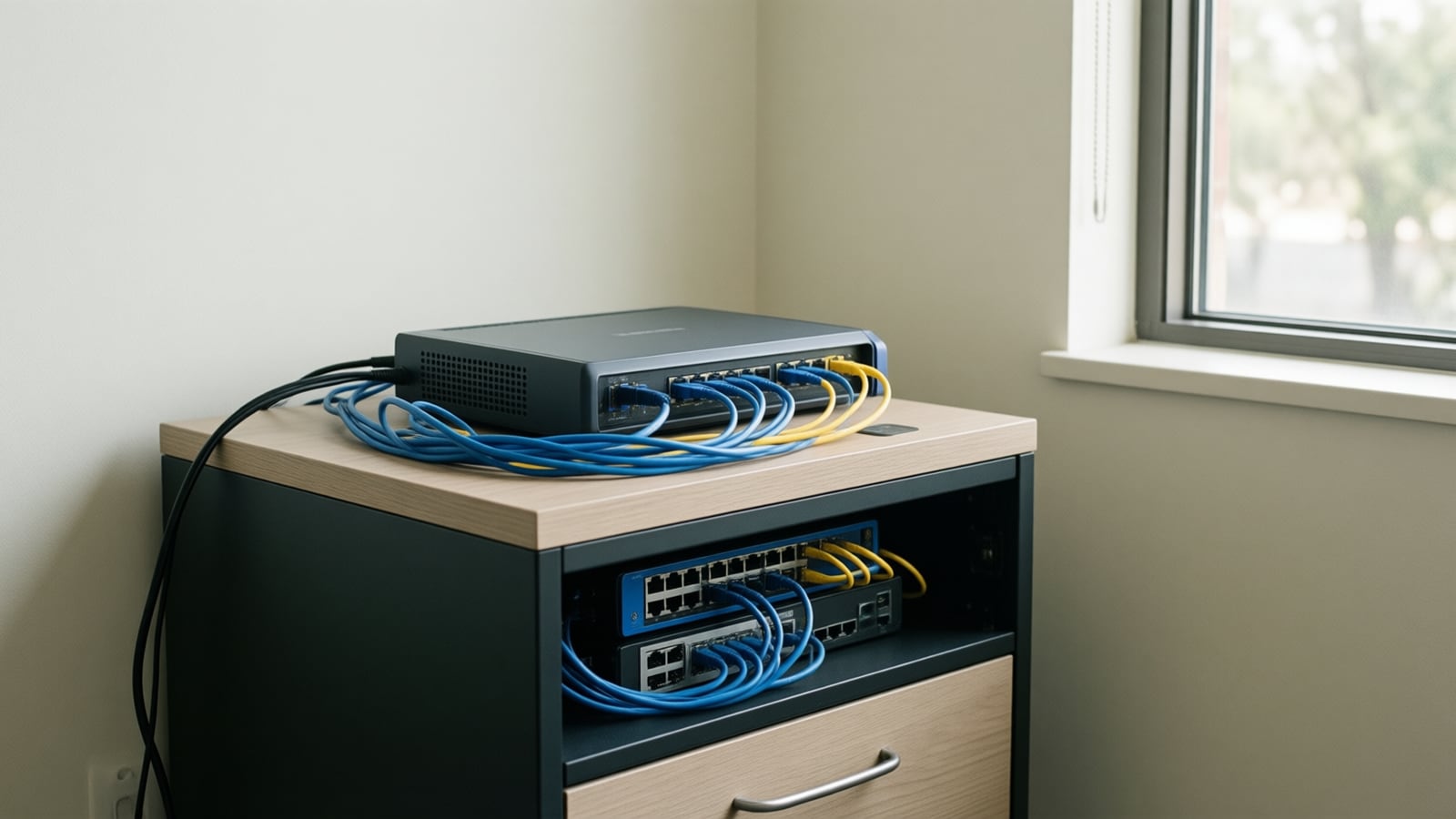
SD-WAN is worth it for a small business when the internet carries work that cannot stop: cloud phone calls, card payments, video meetings or an AI voice agent answering customers. It is usually not worth it for a single office on one dependable fiber line with light, delay-tolerant traffic. This guide shows where the line falls and how to decide.
What is SD-WAN, in plain terms?
SD-WAN (software-defined wide area network): a device or service that sits between your office network and two or more internet connections, measures the quality of each path continuously, sends each type of traffic over the path that suits it best and moves traffic to another path automatically when one degrades or fails.
The industry body that standardized the service, now operating as Mplify, describes its scope as the externally visible behavior of an SD-WAN service running over separate "underlay" connections that may come from different carriers. In practice that means SD-WAN is not a type of internet line. It is the layer of judgment on top of the lines you already buy.
Cisco Meraki, one of our hardware partners, puts it as a set of features that let the network adjust to changing WAN conditions without manual intervention. Fortinet, another partner, frames it as a way to route traffic across broadband, MPLS and LTE connections based on current conditions and policy. Both descriptions land in the same place: the network decides, not a person.
Why does a small business care about this now?
Because the internet connection has quietly become the phone line. When a business moves from an on-premise PBX to a cloud phone system, every call travels over the same circuit as email, file sync and video. When an AI agent answers calls after hours, it does that over the internet too.
Voice is fussy about the quality of a connection, not only its speed. Cisco's VoIP quality guidance notes that the ITU G.114 recommendation calls for less than 150 milliseconds of one-way delay for high-quality voice, that common codecs need packet loss far below one percent to avoid audible errors, and that jitter must be minimized because jitter buffers only absorb so much. The underlying standard, ITU-T G.114 on one-way transmission time, is still in force as of October 2026.
A connection can be "up" and still fail those tests. A cable line at the busy hour, a fiber circuit with a bad optic, or a wireless link in a storm can all pass a speed test while calls stutter. A plain backup line does nothing about that, because it waits for a total outage. SD-WAN acts on the degradation itself.
When is SD-WAN worth it?
For most Orange County offices, SD-WAN earns its cost when two or more of the following are true.
- Your phones are in the cloud. Cloud voice, a hosted contact center or an AI voice agent all stop working when the internet does.
- Downtime has a direct cost. Card payments, online orders, patient check-in or a dispatch board that cannot wait for the carrier's repair window.
- You run live video all day. Teams or Zoom rooms, telehealth sessions or remote staff joining meetings in the conference room.
- You have more than one site. SD-WAN lets you manage branch connectivity, security policy and traffic rules from one console rather than one router at a time.
- Your building limits your options. If the only fiber in the building is from one carrier, a second path over cable, fixed wireless or cellular is how you get real redundancy.
When is SD-WAN not worth it?
Honest answer: more often than vendors admit. SD-WAN chooses between the paths it is given. It cannot make a single path better.
- One office, one good fiber line, light traffic. If you take a handful of calls a day and nothing breaks when the internet drops for an hour, a reliable fiber circuit and a managed firewall may be all you need.
- Two bad connections. Two weak lines produce a weak result. Fix the primary circuit first; our guide to business internet in Irvine covers how to check what your building can get.
- Two lines that share a path. Two circuits from the same carrier, or two that enter the building through the same conduit, can fail together. Diversity of carrier and medium matters more than the SD-WAN box.
- Nobody will watch it. SD-WAN produces alerts. If no one reads them, the business can run for weeks on the backup without knowing the primary has failed.
How do the options compare?
| Setup | What it protects against | What it does not do | Fits best |
|---|---|---|---|
| One fiber line | Little; relies on the carrier | No protection from outages or degradation | Small office, light calling |
| Fiber plus manual backup | Total outage, once someone switches | Ignores slow or lossy lines; needs a person | Budget-first offices |
| Firewall with automatic failover | Total outage of the primary | Usually waits for a full failure; little per-app steering | Single site, cloud phones |
| SD-WAN with two diverse lines | Outages and degradation, per application | Cannot improve two poor lines | Cloud voice, video, payments |
| Managed SD-WAN service | Same, plus carrier monitoring and response | Adds a monthly fee per site | Multi-site or no in-house IT |
How does two-ISP failover actually work?
The mechanics are similar across vendors. Here is the sequence, using the way Fortinet and Meraki document it.
- Measure. The appliance probes each connection continuously for delay, jitter and loss. Meraki MX appliances, for example, ping a configurable endpoint to score each uplink.
- Compare to a policy. You define what "good enough" means for each traffic type, often called a performance class or SLA. Voice gets the strictest thresholds.
- Steer. Voice goes to the line that currently scores best for calls. Bulk traffic such as backups and updates can use the other line or both.
- Fail over. When the preferred line breaks the policy or goes down, traffic moves to the healthy line.
- Fail back and alert. When the primary recovers, traffic returns, and someone is told that the event happened.
The detail that matters is step four. Meraki's documentation states that with its internet policies, failover for new flows is expected within 30 seconds of a route change and existing flows stay on their current uplink, while its VPN-based SD-WAN can fail over in about 500 milliseconds with a custom performance class. The same document notes that internet policy steering requires the SD-WAN Plus license tier. In plain terms: the design and the license decide whether a live call survives, so ask.
What should you ask before buying SD-WAN?
Bring these questions to any provider, including us.
- Which connections will it manage, and are they truly diverse? Different carriers, different media, ideally different building entry points.
- How fast is failover, and does an active call survive it? Ask for a live demonstration on your own phone system.
- How is voice prioritized? Look for per-application policy and quality-of-service marking, not only "failover."
- Does it replace or duplicate the firewall? Fortinet FortiGate and Meraki MX appliances combine both; some services do not.
- Which features need a higher license tier? Steering and security features are often tiered.
- Who watches the alerts, and what happens at 2 a.m.? Monitoring is the difference between redundancy and a surprise.
If you are sizing the lines themselves, our VoIP bandwidth calculator estimates how much capacity your call volume needs on each path.
Key takeaways
- SD-WAN is the decision layer over two or more internet lines, not a kind of internet line.
- It is worth it when cloud voice, payments, video or an AI agent depend on the connection.
- One reliable fiber line can be enough for a small office with light, delay-tolerant traffic.
- Diverse carriers and media matter more than the brand of SD-WAN appliance.
- Failover speed, call survival and license tiers vary; test them before you sign.
- Someone has to watch the alerts, or the backup becomes the only line without anyone knowing.
How Telxpress helps
Telxpress designs, installs and supports business connectivity for Orange County offices, from the circuits themselves (through carrier partners such as TPx and DISH) to the Fortinet and Cisco Meraki appliances that manage them. We start by telling you honestly whether you need SD-WAN at all. If you do, our connectivity team specifies diverse lines, sets voice-first policies, tests failover on your phone system and monitors it with 24/7 support, alongside the managed networking behind it.
Questions
Questions this article answers
Does a small business with one office need SD-WAN?
Only if downtime or poor call quality costs you real money. A single office with one reliable fiber line, few calls and no live video can often do without it. Once the phones, the payment terminals or an AI voice agent all depend on the internet, a second connection with automatic path selection usually earns its monthly cost.
Is SD-WAN the same as having a backup internet connection?
No. A backup connection is the second line. SD-WAN is the device and software that measures both lines continuously, sends each application over the better one and moves traffic when a line degrades, not only when it goes completely dark. A backup line without that logic often sits idle until someone notices the outage.
Will a phone call stay connected when SD-WAN fails over?
Not always. Some platforms move only new sessions to the healthy line, so a call already in progress on the failing line may drop and the caller has to redial. Others can shift traffic in well under a second with the right policy. Ask the provider to demonstrate failover during a live call before you sign.
Can SD-WAN fix a slow or unreliable internet connection?
It can work around a bad connection but not repair it. SD-WAN chooses the better of the paths you give it, so two poor lines still produce a poor result. Start with the best primary circuit available at your building, add a second line from a different carrier and medium, then let SD-WAN manage the pair.
Does SD-WAN replace our firewall?
Sometimes. Many SD-WAN appliances, including Fortinet FortiGate and Cisco Meraki MX models, are firewalls with SD-WAN built in, so one box does both jobs. Other services run SD-WAN separately and leave your existing firewall in place. Confirm which model you are buying so you do not pay twice for the same protection.
Keep reading
Related articles
- Business Technology October 19, 2026

Conference Room AV Checklist for an Orange County Office
Most disappointing meeting rooms fail on sound and network rather than screen size, so check the room itself before you choose a single piece of hardware.
- Business Technology October 11, 2026
Business Internet in Irvine: Fiber vs Cable vs Fixed Wireless (2026)
How fiber, cable and fixed wireless differ for an Irvine office on symmetry, latency, resilience and lead time, how to check your building, and how failover keeps cloud voice up.
- Business Technology October 11, 2026
Microsoft Teams Rooms vs Zoom Rooms: Which Fits Your Office?
The platform your company already meets on usually decides the room system; here is how licensing, certified hardware, guest joining, management and AI features compare before you buy.