What UCaaS Includes in 2026 and When to Move Your Business Communication to It
What a UCaaS subscription bundles today, how Nextiva, RingCentral, Microsoft Teams Phone and Zoom Phone differ, and why the network under it decides call quality.
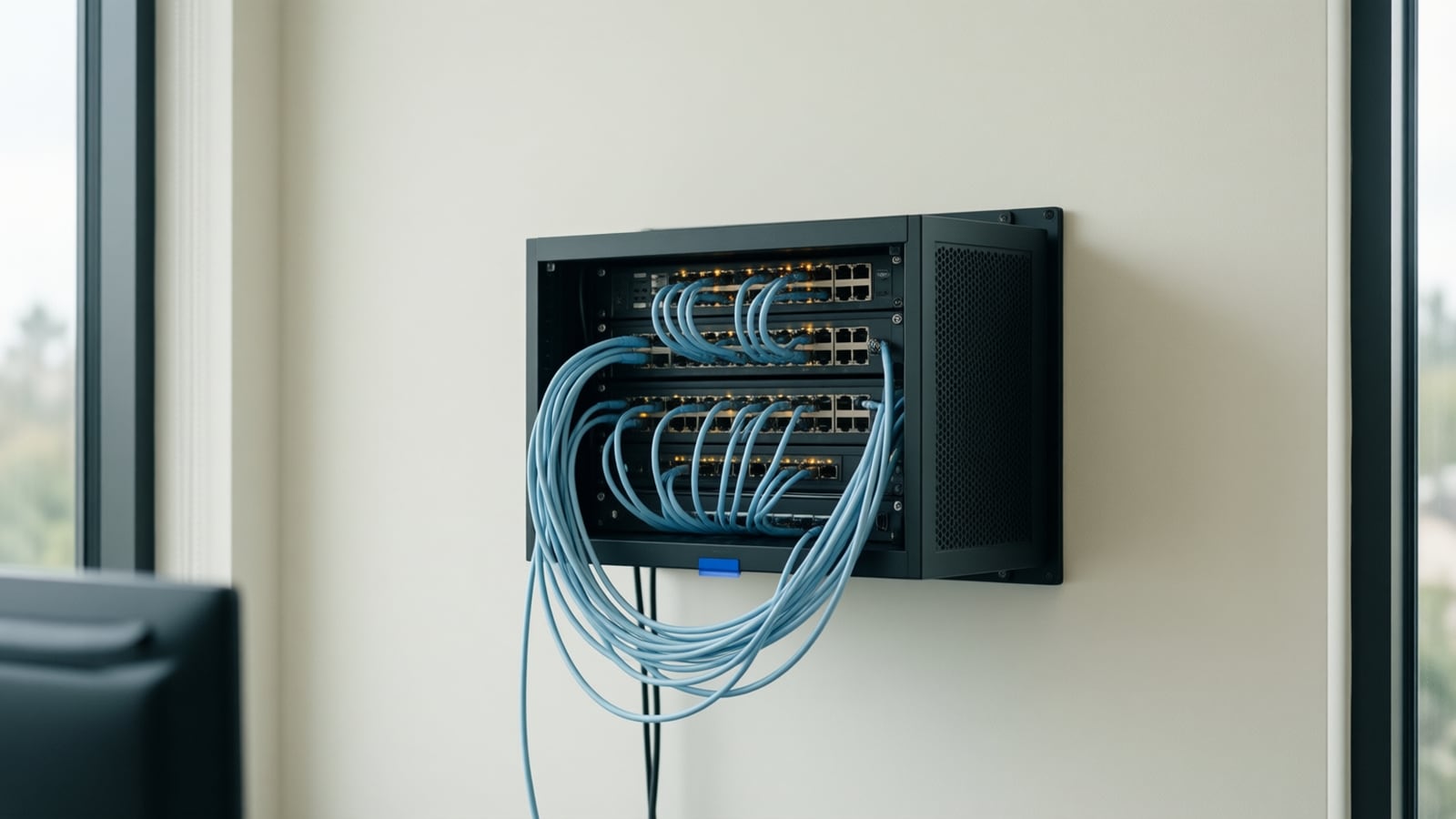
Unified Communications as a Service (UCaaS) puts calling, video meetings, team messaging, business texting and, as of October 2026, AI call notes into one cloud subscription per user. This guide explains what the bundle now includes, how Nextiva, RingCentral, Microsoft Teams Phone and Zoom Phone differ, what the network under it must do, and how to plan the move.
UCaaS: Unified Communications as a Service, a cloud platform that delivers business phone service, video meetings, team messaging and collaboration tools through one subscription and one set of apps, instead of a phone server in your telecom room. Phones, network, cabling and installation are separate decisions.
What does a UCaaS subscription include in 2026?
The vendors' own guides describe the core as voice (routing, forwarding, recording), video meetings, internal messaging and collaboration tools, hosted in the cloud (Nextiva's UCaaS guide); RingCentral describes unified communications as telephony, video, audio conferencing and messaging brought into a single cloud platform (RingCentral). What has changed since this article was first written is the AI layer and the texting allowances.
Nextiva's small-business tiers list unlimited voice and video, team collaboration, skills-based routing, a basic CRM and ticketing system, shared and personal inboxes, business SMS and MMS allowances that rise by tier, virtual fax and live chat on the middle tier, and AI transcription, summarization and answer assist in rising quantities per tier (Nextiva pricing). RingCentral's RingEX plan page lists an AI assistant, sells an AI receptionist alongside the phone system, and states that external calls are unlimited within the US and Canada (RingCentral plans). Zoom Phone advertises AI call summaries, voicemail prioritization and voicemail-to-task extraction, shared lines and call queues, E911 support and local survivability for outages (Zoom Phone). Microsoft's Teams Phone is the same idea from the other direction: PBX capabilities in the Microsoft 365 cloud, with auto attendants, call queues and voicemail delivered to the user's mailbox, plus Copilot in calls for licensed users (Microsoft Learn).
How do the main platforms differ?
| Platform | What it is | Where outside lines come from | AI included (Oct 2026) | Fits best when |
|---|---|---|---|---|
| Nextiva | UCaaS tiers with voice, video, SMS, chat and a basic CRM | Included in the subscription | Transcription, summaries and answer assist per tier; AI receptionist add-on | Staff live in the phone app and want one vendor |
| RingCentral RingEX | UCaaS tiers with an AI assistant | Included in the subscription | AI assistant; AI receptionist sold alongside | Many app integrations (Salesforce, HubSpot, Zendesk, ServiceNow) |
| Microsoft Teams Phone | Cloud PBX add-on inside Microsoft 365 | Microsoft Calling Plan, Operator Connect carrier or Direct Routing | Copilot in calls with a Copilot license | Staff already live in Teams |
| Zoom Phone | Cloud phone beside Zoom meetings | Zoom's PSTN service or bring your own carrier | Call summaries, voicemail tasks, SMS summaries | Staff already live in Zoom |
Sources: the vendor pages linked above, read October 2026. Microsoft describes Teams Phone Standard as an add-on license that provides hosted PBX capabilities such as cloud voicemail, call forwarding, call transfer, auto attendants, call queues and caller ID, with calls outside the organization carried by a Microsoft Calling Plan, an Operator Connect carrier or Direct Routing, each requiring a Teams Phone license; the prerequisites include Teams Essentials with Microsoft Entra ID or a Microsoft 365 Business Basic, Standard or Premium subscription (Microsoft Learn). For a line-by-line comparison of plans, Teams routes, handsets and contracts, see Nextiva vs RingCentral vs 8x8 for small business; for the meeting room side, see Microsoft Teams Rooms vs Zoom Rooms.
Why do businesses choose UCaaS?
- Cost structure. No on-premises PBX to buy or maintain; a subscription per user and features by tier. Whether it costs less depends on the tier, add-ons, fees and handsets, so compare quotes rather than headline prices.
- Scale. Add or remove users without installing hardware, and bring new locations onto the same platform and directory.
- Collaboration. Meetings, messaging and file sharing in the apps staff already use, from any device.
- Remote and hybrid work. The same number and the same tools at the desk, at home and on a phone.
- AI notes and routing. Transcripts, summaries and smarter routing are now part of the bundle, and an integrator-run AI voice agent can take an extension on any of these platforms for the calls staff cannot answer.
What does the network underneath have to do?
A cloud platform is only as good as the path to it. Nextiva's networking guidelines ask for about 100 kbps per concurrent call, under 150 ms of ping time and under 15 to 20 ms of jitter to its servers, hardwired phones on Cat5e or Cat6, quality of service on the router, a single router (no double NAT) and SIP ALG disabled, and they note that wireless ISPs such as 5G or satellite are unsupported because of packet loss (Nextiva networking guidelines). Microsoft says quality of service should be implemented on all segments of a managed network, that Wi-Fi needs WMM or QoS so media is prioritized, and that Teams can deliver HD video in under 1.5 Mbps (Microsoft Learn). Use our VoIP bandwidth calculator to size the circuit, and read business internet in Irvine: fiber, cable and fixed wireless before you sign for a connection. Telxpress designs and installs that foundation, from the structured cabling in the walls to the switches, firewall and Wi-Fi, as part of every UCaaS project.
How do you plan the move?
- Inventory. List every tool your team uses for calls, meetings, texting and messaging, what each costs, and which numbers must survive.
- Network check. Test bandwidth, jitter and packet loss on the real circuit, check the switches for PoE and the cabling for certification, set the voice VLAN and QoS, and fix double NAT and SIP ALG before any phone arrives.
- Choose the platform and tier. Decide where staff live (the phone app, Teams or Zoom), then price the tier you would use, with add-ons, taxes and fees.
- Port the numbers. Carriers must complete a simple port within one business day and a non-simple port within four business days unless a longer period is requested; multi-number business ports are usually non-simple, so gather the account details and customer service record first (47 CFR 52.35).
- Parallel run and cutover. Run both systems while every call path, the after-hours flow and the 911 address on each line are tested, train staff, then switch on a quiet day.
Key takeaways
- UCaaS now bundles calling, meetings, messaging, texting and AI notes; the differences between vendors are in texting allowances, AI quantities, integrations and how they reach Teams.
- Microsoft Teams Phone is a cloud PBX inside Microsoft's cloud with outside lines bought separately; the others connect into Teams or stand alone.
- The network decides call quality: wired phones, QoS on every segment, one router, SIP ALG off, and a circuit sized for concurrent calls.
- The port date is the fixed point; plan everything else around it and run both systems in parallel.
How Telxpress helps
UCaaS is delivered through the Telxpress phone systems and VoIP service, with Nextiva as a partner and Yealink handsets on any platform, on a foundation of structured cabling, networking and business connectivity we install and support from Irvine. Book a consultation to assess your network's readiness and compare platforms for your call flows.
Questions
Questions this article answers
Is UCaaS the same as a cloud phone system?
A cloud phone system is the voice part. UCaaS adds video meetings, team messaging, presence, business texting and, increasingly, AI transcription and summaries on the same platform and the same apps. Most cloud phone providers now sell UCaaS, so the practical question is which of those features your team will use, not which label is on the contract.
Why does cabling matter for a cloud service?
Because every call and meeting still travels over the wires in your walls before it reaches the cloud. Poorly terminated cabling causes drops and interference that no provider can fix remotely, and vendor guidance asks for hardwired desk phones on Cat5e or Cat6. Certified structured cabling, powered switches and a tidy rack are the foundation of good UCaaS.
How long does a UCaaS migration take?
It depends on the number port, the one date nobody controls. Federal rules give carriers one business day for a simple port and four for a non-simple one, and business ports with many numbers are usually non-simple. Plan the network check, device staging and training around that date, and run both systems in parallel for a few days.
Does UCaaS replace Microsoft Teams, or work with it?
Either. Microsoft sells Teams Phone as a cloud PBX inside Microsoft 365, with auto attendants, call queues and voicemail, and you add a Microsoft calling plan, an Operator Connect carrier or Direct Routing for outside lines. Nextiva, RingCentral and Zoom instead connect their calling into Teams through integrations. Pick the route by where your staff live all day.
What does UCaaS cost?
Vendors publish per-user monthly prices for their lower tiers, usually with a discount for annual billing, and quote the higher tiers. The published figure leaves out regulatory fees and taxes, handsets, call recording or CRM add-ons, and the network work. Price the tier you would use at your user count, with add-ons, and compare totals, not headlines.
Keep reading
Related articles
- Business Technology October 26, 2026
Moving From an On-Premise PBX to Cloud VoIP: A Step-by-Step Migration Plan
Most failed phone migrations break on paperwork, network settings or a forgotten fax line, not on the new platform. Here is the order of work that avoids all three.
- Business Technology October 22, 2026
SD-WAN for Small Business: When It Is Worth It and When It Is Not
A second internet line only helps if something decides, every second, which line your calls and video should use. That decision is what you are buying with SD-WAN.
- Business Technology October 19, 2026

Conference Room AV Checklist for an Orange County Office
Most disappointing meeting rooms fail on sound and network rather than screen size, so check the room itself before you choose a single piece of hardware.