Microsoft Teams Rooms vs Zoom Rooms: Which Fits Your Office?
The platform your company already meets on usually decides the room system; here is how licensing, certified hardware, guest joining, management and AI features compare before you buy.
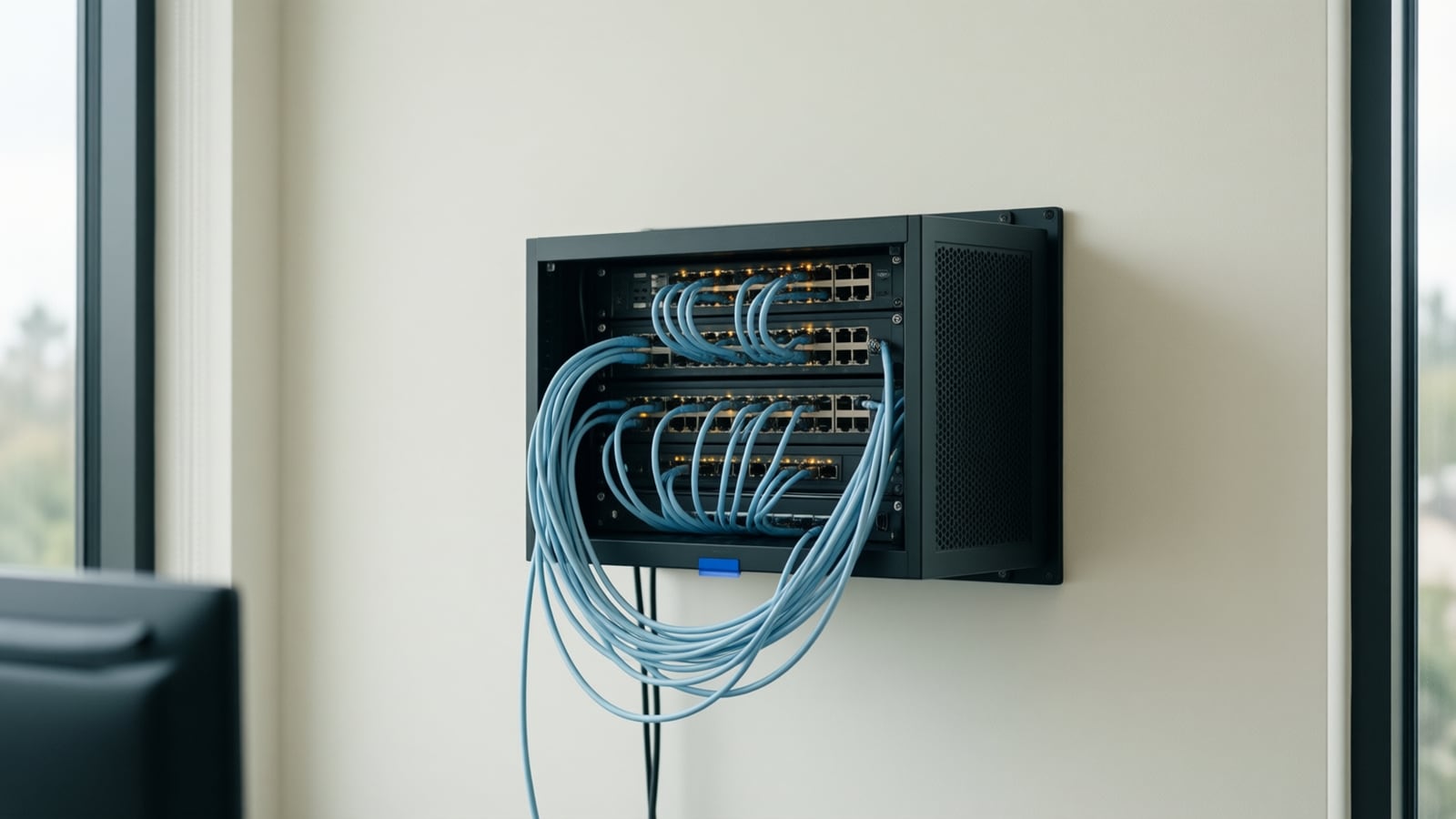
Microsoft Teams Rooms and Zoom Rooms both turn a conference room into a one-touch meeting space, and the right choice almost always follows the platform your organization already meets on. This guide compares the two from the vendors' own documentation: licensing, certified hardware, joining the other side's meetings, management, AI features, room sizes and what an integrator installs.
What is a room system, and how do the two platforms differ at the core?
Room system: a dedicated meeting device for a shared space, signed in with its own room account, with a touch console, camera, microphones, speakers and one or two displays, that joins the meeting on the room's calendar with one touch and shares content without anyone's laptop.
Microsoft describes a Teams Rooms system as a Windows compute module with a touch console, an Android device with a console, or a Surface Hub (Microsoft Learn, Teams Rooms licenses); Zoom Rooms run on Windows and Mac computers or on purpose-built Zoom Rooms Appliances, with a controller and scheduling display (Zoom Rooms hardware).
The core difference is where the room account lives: in the Microsoft cloud, managed from the Teams admin center and the Pro Management Portal, or in the Zoom web portal under Room Management. Whichever platform holds your calendars and identities is the one your rooms should be native to.
How is each platform licensed?
Microsoft offers two room licenses. Teams Rooms Basic comes at no additional cost with a certified system and covers scheduling, one-touch join, content sharing, whiteboard and basic management, but an organization can assign at most 25 Basic licenses, one per room. Teams Rooms Pro, the paid license, adds remote configuration, peripheral health, alerts and analytics in the Pro Management portal, plus front row, dual screens, meeting chat and Teams Phone, with no cap on count. Microsoft is explicit that per-user Microsoft 365 licenses are not authorized on shared meeting devices (Microsoft Learn, Teams Rooms licenses).
Zoom licenses rooms as a per-room subscription that can be bundled with Zoom Workplace; its product page does not state a figure, so we describe it qualitatively (Zoom Rooms). In practice a small office can run Teams Rooms Basic with no license fee, while intelligent framing, speaker recognition and remote health management sit behind Pro; Zoom charges per room from the first room and describes Intelligent Director as included.
Which hardware is certified, and where do Yealink and Cisco fit?
Microsoft certifies Windows and Android devices separately. The Windows list is compute-plus-peripheral bundles, including the Yealink MVC family alongside Crestron, Logitech and others (Microsoft Learn, Teams Rooms certified systems and peripherals). The Android list includes Yealink's MeetingBar A10 through A50 video bars and MeetingBoard displays, and Cisco's Room Bar, Room Bar Pro, Room Kit EQ and EQX, Board Pro and Desk Pro, alongside Logitech, Poly, Neat, Jabra, Crestron and DTEN (Microsoft Learn, Teams Rooms on Android certified devices).
Zoom's hardware page shows Crestron, DTEN, HP, Lenovo, Logitech, Neat, Poly, Yealink and Jabra as partners, promotes Zoom Rooms Appliances and offers hardware as a monthly service; Cisco does not appear on that page as of October 2026 (Zoom Rooms hardware).
Two conclusions for buyers. Yealink appears on both lists, so a Yealink room can be specified for either platform; the edition and firmware are platform-specific, so confirm which you are ordering. Cisco is a native Teams Rooms on Android option, so an organization standardizing on Cisco devices has a straightforward path on Teams. We install Yealink room systems and Cisco Meraki networks; see our audio visual and conference room page.
Can a Teams Room join a Zoom meeting, and the other way round?
Yes, within limits. Microsoft's Direct Guest Join lets a Teams Room join Zoom, Webex and Google Meet meetings from the calendar with one touch, on Windows and Android and on Basic or Pro, through the other platform's web client. In that mode video runs at up to 720p on one display, content can be received but not sent over HDMI, camera and lobby controls are unavailable, and the room mailbox must keep the invite body. A SIP-based join supports more services, two displays and 1080p but needs Pro and a paid SIP dialing plan (Microsoft Learn, Third-party meetings on Teams Rooms).
Zoom Rooms offer the mirror image: Zoom's product page says rooms use Direct Guest Join and Conference Room Connector to join Teams, Google Meet and Webex meetings (Zoom Rooms), and its announcement of the Teams capability said it needs no additional licenses or third-party services (Zoom blog, Direct Guest Join for Microsoft Teams meetings).
Guest join is for the occasional customer meeting on the other platform; pick the platform of the people who book the room, not of your guests.
How are the rooms managed day to day?
Teams Rooms are inventoried in the Teams admin center and the Pro Management Portal; Basic gives inventory and automatic updates, while Pro adds peripheral health, remote configuration, alerts and analytics (Microsoft Learn, Teams Rooms licenses). Zoom describes its management as the ability to monitor, update and troubleshoot all rooms from anywhere, with analytics dashboards (Zoom Rooms). For an office with no AV team, remote health monitoring is the feature that matters: a dead microphone is found on Monday, not at the board meeting.
What do the AI features actually do?
Teams has two kinds of auto-framing. Cloud IntelliFrame turns the wide room shot into individual tiles of the people in the room; it switches on automatically on Teams Rooms on Windows with a Pro license and a listed camera (several Yealink UVC and Logitech models), works with nine or fewer people and suits focus and medium rooms (Microsoft Learn, Cloud IntelliFrame). Multi-Stream IntelliFrame uses a certified intelligent camera (Jabra PanaCast 50, Yealink SmartVision 40 and 60, the Yealink MVC S90 bundle) to send separate streams with name labels; it also requires Pro, and Basic shows only active speaker and panoramic views (Microsoft Learn, Multi-Stream IntelliFrame). Zoom's Intelligent Director uses multiple cameras to pick the best angle of each person, runs on Windows and Mac rooms today with appliances to follow, with Yealink, AVer and HP Poly as partners; Smart Name Tags label the speaker (Zoom Intelligent Director).
On transcription, Microsoft's voice and face enrollment lets people opt in so a room can attribute speech to named people in transcripts and improve Copilot accuracy, under admin policy and with user-controlled deletion (Microsoft Learn, voice and face enrollment). Zoom Rooms 6.5.0 or later can record in-room conversations with AI Companion from the home screen, and a participant claims the recording, summary and whiteboards by QR code or email (Zoom support, Recording with AI Companion in Zoom Rooms).
Both vendors tell you to post signage and comply with notice and consent law before switching recognition or recording on; California's all-party consent rule, covered in our voice agent, answering service and auto-attendant comparison, applies to a meeting room as much as to a phone line.
Which room sizes does each platform cover, and what does an integrator install?
Microsoft's planning template sizes rooms as focus (about 10 by 9 feet, 2 to 4 people), small (16 by 16, 4 to 6), medium (18 by 20, 6 to 12) and large (15 by 32, 12 to 16) (Microsoft Learn, Plan for Teams Rooms). Zoom's guide is similar: a booth for 1 to 2 people with an all-in-one bar, a huddle room for 2 to 6 with a video bar and controller, a medium room for 7 to 12 with a PTZ camera and dedicated microphones, and a large room for 12 to 16 with multiple cameras, ceiling or table microphones, a DSP and dual displays, with list-price hardware budgets from under $2,500 for a booth to $15,000 to $30,000 for a large room (Zoom, Tailored meeting spaces).
Whatever the platform, the integrator's work is where rooms succeed or fail:
- Survey the room. Dimensions, seating, glass, echo, air-conditioning noise and where people actually sit.
- Prepare the network. A wired drop, PoE where a bar or panel needs it, a voice and video VLAN with QoS, and firewall rules for both platforms' traffic; our networking and cabling pages describe the standards we install to.
- Mount and cable. Displays at the right height, cameras at eye level, microphones where the voices are, cabling terminated rather than draped.
- Provision the room account. Calendar processing settings, licenses assigned and the device enrolled in the management portal.
- Test the edge cases. A Teams room joining a Zoom invite, a laptop sharing over HDMI, a phone call from the room, and a full room with the AI features on.
- Train and support. A one-page card in the room, a short staff session and a support number that answers.
How do Teams Rooms and Zoom Rooms compare at a glance?
| Dimension | Microsoft Teams Rooms | Zoom Rooms |
|---|---|---|
| Native to | Microsoft 365 calendars, identities and chat | Zoom Workplace |
| Hardware | Windows compute module and console, Android appliance, Surface Hub | Windows or Mac computer, Zoom Rooms Appliances, controller |
| Licensing | Basic free with a certified system, up to 25 rooms; Pro paid, no cap | Per-room subscription, bundled with Zoom Workplace |
| Yealink | MVC bundles (Windows) and MeetingBar A series (Android) certified | Listed hardware partner |
| Cisco | Room Bar, Room Kit EQ, Board Pro, Desk Pro certified on Android | Not listed on Zoom's hardware page |
| Join the other platform | Direct Guest Join to Zoom, Webex, Google Meet at 720p; SIP join needs Pro | Direct Guest Join and Conference Room Connector to Teams, Google Meet, Webex |
| Management | Teams admin center and Pro Management Portal; health and analytics on Pro | Zoom web portal: monitor, update, troubleshoot remotely |
| Auto-framing | Cloud IntelliFrame and Multi-Stream IntelliFrame, Pro only | Intelligent Director (Windows and Mac today), Smart Name Tags |
| Transcripts and recognition | Voice and face enrollment for speaker attribution and Copilot | AI Companion recording from the room, claimed by QR code or email |
Key takeaways
- Choose the platform your calendars and identities live on; guest join covers the rest with a lighter experience.
- Teams Rooms Basic costs nothing for a small office, but framing, recognition and remote health monitoring need Pro; Zoom charges per room from the first room.
- Yealink is certified on both sides; Cisco rooms are a Teams Rooms on Android option and are not on Zoom's hardware list.
- AI framing and recognition need the right camera, license and signage; the integrator's survey, network and cabling decide whether any of it works.
How Telxpress helps
Telxpress designs, installs and supports conference rooms and audio visual systems for Orange County offices on both platforms, with Yealink room systems, Cisco Meraki networking, structured cabling and 24/7 support. Our AI advisory engagement looks at meeting capture alongside calls and follow-up, and our free AI readiness assessment includes the meeting room questions.
Questions
Questions this article answers
Do we need a Teams Rooms Pro license for a small office?
Not necessarily. Microsoft provides Teams Rooms Basic at no additional cost with a certified system, capped at a small number of rooms per organization, and it covers scheduling, one-touch join, sharing and whiteboarding. Pro is needed for intelligent framing, speaker recognition, front row, Teams Phone in the room and the deeper remote management and analytics features.
Can a Zoom Room join a Microsoft Teams meeting?
Yes. Zoom documents Direct Guest Join and Conference Room Connector for joining Microsoft Teams, Google Meet and Webex meetings from a Zoom Room, and announced the Teams capability as working without additional licenses or third-party services. Expect a lighter experience than a native meeting, so use it for guests rather than for the meetings you host every day.
Is Yealink or Cisco hardware better for a Teams Room?
Both are certified, for different styles of room. Yealink offers Windows compute bundles and Android video bars across every room size, which suits most offices. Cisco's Room Bar, Room Kit and Board devices run Teams Rooms on Android and suit organizations standardizing on Cisco. We specify by room size, existing network and support preferences rather than by brand.
Do AI features like auto-framing and transcription need special hardware?
Often, yes. Microsoft's cloud framing works with a list of ordinary cameras on a Pro license, while multi-stream framing and name labels need a certified intelligent camera. Zoom's Intelligent Director currently needs a Windows or Mac room with supported cameras. Recognition features also require people to enroll, admin policies to allow it and signage outside the room.
Which platform should a hybrid Teams and Zoom organization choose?
The one that owns the calendars and user accounts of the people who book the rooms. Both platforms can join the other's meetings as a guest with reduced features, which is enough for occasional external calls. Running rooms native to your guests' platform leaves your own staff with the lesser experience every day, which is the wrong way round.
Keep reading
Related articles
- Business Technology October 26, 2026
Moving From an On-Premise PBX to Cloud VoIP: A Step-by-Step Migration Plan
Most failed phone migrations break on paperwork, network settings or a forgotten fax line, not on the new platform. Here is the order of work that avoids all three.
- Business Technology October 22, 2026
SD-WAN for Small Business: When It Is Worth It and When It Is Not
A second internet line only helps if something decides, every second, which line your calls and video should use. That decision is what you are buying with SD-WAN.
- Business Technology October 19, 2026
Conference Room AV Checklist for an Orange County Office
Most disappointing meeting rooms fail on sound and network rather than screen size, so check the room itself before you choose a single piece of hardware.