Yealink AX83H: Is the Wi-Fi 6 Handset the Future of Wireless Business Communication?
A buyer's look at the Yealink AX83H Wi-Fi 6 handset: what it offers, how it compares with a DECT cordless system, what the office Wi-Fi must do for it and how it reaches Microsoft Teams.
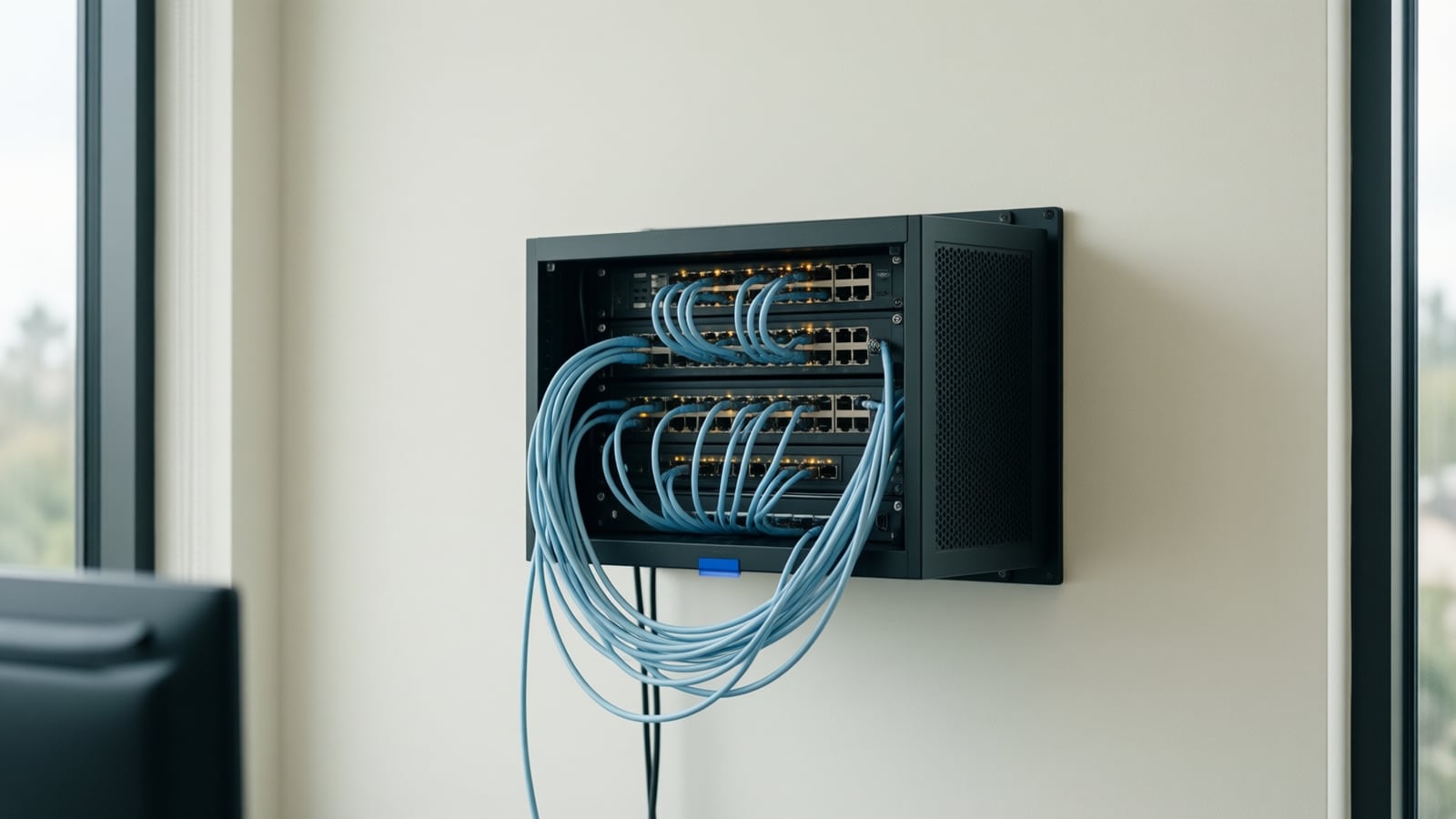
The Yealink AX83H is a portable Wi-Fi 6 handset for staff who work away from a desk in warehouses, clinics, hotels and large offices. It offers 802.11k/v/r roaming, Bluetooth 5.0 and, as of November 2026, a nine-hour rated battery, and performs only as well as the Wi-Fi beneath it. This guide covers the specs, the DECT alternative and the deployment.
Wi-Fi IP phone: a cordless business handset that connects to the building's existing wireless LAN rather than to a dedicated cordless base station, and registers to the phone system over SIP like a desk phone. Call quality therefore depends on wireless coverage, roaming behavior and quality-of-service settings on the Wi-Fi network itself.
What does the Yealink AX83H actually offer?
Yealink's product page describes the AX83H as a business Wi-Fi handset with integrated dual-band Wi-Fi 6 and 802.11k/v/r roaming, so it can move between access points during a call (Yealink AX83H). The same page lists the hardware:
- Display and controls. A 2.4-inch 240 x 320 color screen, a backlit keypad, a proximity sensor and vibration alerts (Yealink).
- Audio. HD audio with full-duplex speakerphone, echo cancellation and what Yealink calls Smart Noise Filtering, plus a 3.5 mm headset jack, Bluetooth 5.0 and hearing-aid compatibility.
- Accounts and conferencing. Up to four SIP accounts and five-way conferencing, so one handset can carry a shared department line and a personal extension.
- Battery. A 2000 mAh battery rated at nine hours of talk time or 200 hours of standby, charged in the cradle or over USB Type-C. Yealink marks those figures as laboratory data (Yealink).
- Security and management. TLS 1.3 and WPA3-Enterprise, the Yealink Management Cloud Service, Wi-Fi setup by QR code on one handset, and batch deployment by sharing the Wi-Fi profile over the air.
- Microsoft Teams. Yealink states the handset supports Microsoft SIP Gateway; the route is explained below.
Yealink does not publish a required access point model, a minimum signal level or a Wi-Fi design guide. Those decisions fall to whoever runs the network, which is why the Wi-Fi section matters more than the spec sheet.
Why does Wi-Fi 6 matter for a phone?
The Wi-Fi Alliance describes Wi-Fi 6 as delivering stronger performance in dense environments, with OFDMA sharing channels more efficiently to lower latency and Target Wake Time improving device battery life (Wi-Fi Alliance). For a handset that idles all shift and then carries a call across several access points, both count. It can only use the Wi-Fi 6 features the access points provide; on a Wi-Fi 5 network it behaves like a Wi-Fi 5 phone. Our glossary explains the Wi-Fi generations in plain terms.
How does the AX83H compare with a DECT cordless system?
DECT is the alternative most businesses weigh, and Yealink sells both. A W73H or W78H pairs with a Yealink base station rather than the office Wi-Fi: the W70B base supports up to ten handsets and up to 20 simultaneous calls (Yealink W70B), and the W73H is rated at up to 35 hours of talk time and 400 hours of standby in ideal conditions, with a 1.8-inch screen and two simultaneous calls per handset (Yealink W73H). The W78H adds a 2.4-inch 240 x 320 color screen, Bluetooth 5.1 and up to 21 hours of talk time (Yealink W78H).
| Factor | Yealink AX83H (Wi-Fi 6) | Yealink W73H / W78H on W70B (DECT) |
|---|---|---|
| Radio | Office Wi-Fi, dual-band Wi-Fi 6 | Dedicated DECT band, own base station |
| Infrastructure to add | None if the Wi-Fi is voice-grade | Base station(s), repeaters as needed |
| Rated talk time (vendor figures) | 9 h (laboratory data) | W73H 35 h, W78H 21 h (ideal conditions) |
| Handsets per system | Limited by the phone platform and Wi-Fi design | Up to 10 per W70B base |
| Roaming | 802.11k/v/r between access points | Handled by the DECT system |
| Interference exposure | Shares spectrum with laptops, guests and IoT | Separate from Wi-Fi traffic |
| Headsets | Bluetooth 5.0 and 3.5 mm | W78H Bluetooth 5.1; W73H 3.5 mm only |
| Teams route | Microsoft SIP Gateway | Microsoft SIP Gateway (W73H, W78H listed) |
DECT wins on battery life and independence from a busy Wi-Fi network, and suits a small site with one base station. The AX83H wins when the building already has well-designed enterprise Wi-Fi, when staff roam wider than one DECT cell, and when IT would rather run one wireless network than two.
What does the office Wi-Fi need for clear calls?
Nextiva's networking guidelines call for about 100 kbps per call, under 150 ms of latency and under 15 to 20 ms of jitter, recommend QoS to prioritize voice and disabling SIP ALG on the router, and state that for optimum quality all phones should be hardwired (Nextiva networking guidelines). A Wi-Fi handset trades that advice for mobility, so the wireless network must make up the difference.
Cisco Meraki's wireless VoIP guidance sets the targets: overlapping 5 GHz coverage at -67 dBm or better in all areas, a signal-to-noise ratio of 25 dB or more and channel utilization under 50 percent; voice on 5 GHz for its lower noise floor; access points grouped closer together with smaller cells and lower power so a handset roams before a call drops; 802.11r fast roaming, especially with 802.1X; voice marked DSCP 46 (EF); and jitter targeting 10 ms and never above 50 ms (Cisco Meraki Wireless VoIP QoS Best Practices). Our call latency article explains the terms, and the VoIP bandwidth calculator sizes the circuit underneath.
How does the AX83H reach Microsoft Teams?
The AX83H is not a native Teams phone. Microsoft's SIP Gateway lets an organization use compatible SIP devices with Teams, and Microsoft's compatibility table lists the Yealink AX83H as a Wi-Fi IP phone with minimum firmware 180.87.0.5 and approved firmware 180.87.0.15, alongside the W73H and W78H DECT handsets (Microsoft Learn, SIP Gateway). The same page states that Teams users need a phone number with PSTN calling enabled, that SIP Gateway does not publish presence for devices, and that these devices support only a static location.
That last point has a compliance edge. Federal rules for multi-line telephone systems require direct 911 dialing, on-site notification and a dispatchable location; for non-fixed devices on the premises, the rule calls for automated dispatchable location when technically feasible, otherwise a location based on end-user manual update or alternative location information (47 CFR 9.16). A roaming handset with a static location needs a documented answer to where a 911 call is reported from; our office phone system checklist covers the 911 configuration steps, and your attorney should confirm the approach.
How should a business deploy Wi-Fi handsets?
- Define the roles. List who moves, where they go (back rooms, stairwells, loading docks) and whether they need a personal extension, a shared line or both.
- Survey the wireless network for voice. Measure signal strength, signal-to-noise ratio and channel utilization everywhere the handsets will go, with the Meraki targets as the pass mark.
- Fix the design before buying handsets. Add or move access points for overlapping 5 GHz cells, lower power where cells are too large, create a voice SSID, enable 802.11r and 802.11k, and mark voice DSCP 46 end to end, including the wired switches.
- Settle the phone platform. Confirm it supports the handset, or, for Teams, that the firmware meets Microsoft's minimum and users hold a PSTN-enabled number. Nextiva vs RingCentral vs 8x8 compares the platforms.
- Provision centrally. Register the handsets to the phone system and management platform before they reach the site, share the Wi-Fi profile over the air, and record each handset's 911 location answer.
- Pilot on one floor. Walk calls through the roaming paths, listen for drops at access point hand-offs, and check jitter under normal load.
- Roll out. Place cradles where shifts start and end, issue a spare for shared roles, and schedule firmware updates through the management platform.
Who is the AX83H right for?
It fits a clinic where nurses move between rooms on enterprise Wi-Fi built for clinical systems (see our healthcare page), a hotel whose staff cover a floor (see telecom in the hospitality sector), and a warehouse whose Wi-Fi 6 access points already serve scanners. It is a weaker fit for a small office on consumer-grade Wi-Fi or a team that needs all-day talk time without a cradle; there, DECT or a mobile softphone is the honest recommendation.
Key takeaways
- The AX83H is a Wi-Fi 6 SIP handset with 802.11k/v/r roaming, four SIP accounts, Bluetooth 5.0 and a nine-hour laboratory-rated battery.
- It adds no radio infrastructure but inherits every weakness of the Wi-Fi it runs on; Nextiva still prefers wired phones.
- DECT handsets on a Yealink base offer far longer rated talk time and independence from Wi-Fi congestion, at the cost of a separate system.
- Voice-grade Wi-Fi means overlapping 5 GHz cells at -67 dBm or better, fast roaming, DSCP 46 marking and jitter kept near 10 ms.
- Teams works through SIP Gateway with a PSTN-enabled number and a static 911 location, which needs a documented plan under 47 CFR 9.16.
How Telxpress helps
Telxpress designs voice-grade Wi-Fi through its networking service on Cisco Meraki and Ubiquiti, sizes the circuit through the business connectivity service, and provisions Yealink handsets, DECT or Wi-Fi, through the phone systems and VoIP service, with 911 location, QoS and roaming tested before handsets reach staff. Book a consultation to see whether the AX83H or a DECT system fits your site.
Questions
Questions this article answers
How is a Wi-Fi IP phone different from a DECT cordless phone?
A DECT handset talks to its own base station on a dedicated radio band; a Wi-Fi IP phone joins the building's wireless network like a laptop and registers directly to the phone system. Wi-Fi phones need no separate radio system and roam wherever the Wi-Fi reaches, but they depend on that network being designed and tuned for voice.
Does our Wi-Fi need changes before we deploy the AX83H?
Usually, yes. Voice exposes coverage gaps and slow roaming that laptops hide. A voice-grade design means overlapping 5 GHz coverage, fast roaming enabled on the access points, voice traffic prioritized with QoS, and a survey that confirms signal strength in stairwells, back rooms and loading docks. Done once, it improves every other device on the network.
Does the Yealink AX83H work with Microsoft Teams?
Not as a native Teams phone. Yealink states the handset supports Microsoft SIP Gateway, and Microsoft lists the AX83H as a compatible SIP Gateway device with a minimum firmware version. Users need a Teams phone number with PSTN calling, and Microsoft notes the device supports only a static emergency location through SIP Gateway.
How long does the AX83H battery last on a shift?
Yealink rates the 2000 mAh battery at nine hours of talk time or 200 hours of standby, and labels those figures laboratory data. Real shifts mix calls, standby and roaming, so plan on the charging cradle between shifts, keep a spare handset for shared roles, and expect a weak Wi-Fi signal to drain the battery faster.
Which phone systems can the AX83H register to?
It is a standards-based SIP handset with up to four SIP accounts, so it registers to most cloud and on-premises business phone platforms, including the systems Telxpress installs with partners such as Nextiva and Yeastar, and to Microsoft Teams through SIP Gateway. Telxpress confirms compatibility and provisions each handset before it reaches your site.
Keep reading
Related articles
- Business Technology November 16, 2026
What Is a PBX Phone System? On-Premises, IP and Cloud PBX Compared
The box in the phone closet, the server on the network and the monthly cloud subscription are all called a PBX, and the differences decide who fixes it when it breaks.
- Business Technology November 12, 2026
On-Premise PBX vs Cloud Phone System: The Total Cost Over Five Years
A PBX quote and a cloud quote never list the same things, so the cheaper-looking one is often the one hiding its running costs in hours, lines and licenses.
- Business Technology November 9, 2026
Dedicated Internet Access vs Business Broadband: Which Does Your Office Need?
Carriers sell both as business internet, but only one of them comes with bandwidth reserved for you and a contract that pays when the circuit fails.