Elevate Your Productivity: Setting Up a Home Office with Enterprise-Grade Communication Tools
A checklist for a home office that works as well as the company office: connection, business phone, unified communications, audio and video, security, power and mobility.
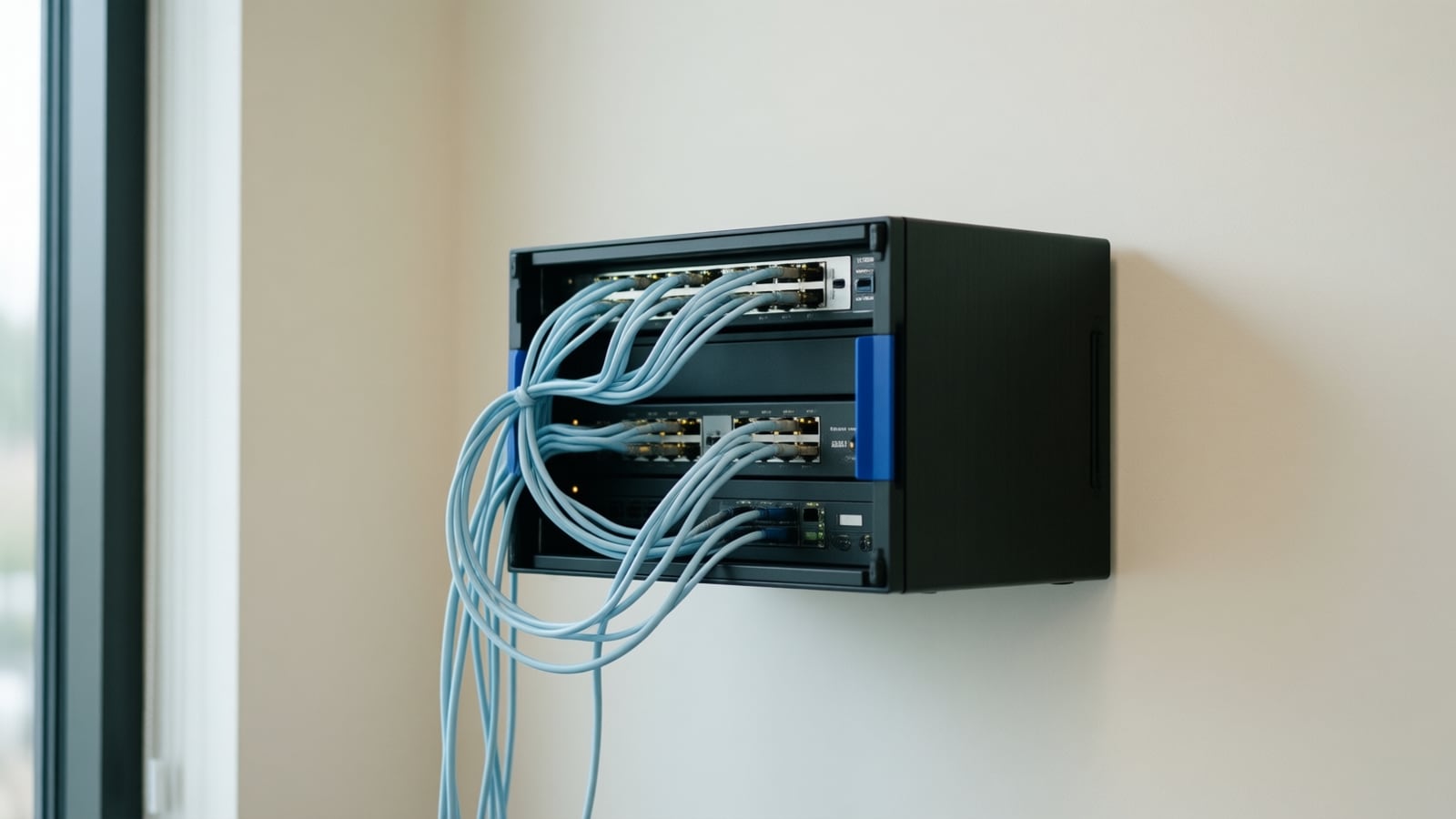
Hybrid work made the home office a necessity rather than a perk. For professionals who need to stay productive and reachable, setting up a home office with enterprise-grade communication tools makes the difference between working from home and merely being at home. Here is how to do it well.
What connection do you need?
A strong internet connection is the foundation. Choose a business-class or high-tier residential plan with enough upload capacity for video calls and file sharing, and use a wired Ethernet connection to the work computer wherever possible. Wi-Fi is convenient; wired is consistent.
Which phone should you use?
A VoIP phone or softphone registered to the company system gives you call forwarding, voicemail to email, conferencing and the same business number you have at the office. Enterprise systems installed by Telxpress extend to home workers as ordinary extensions, so customers never know where you are sitting.
Do you need a unified communications platform?
A unified communications (UC) platform brings voice, video, messaging and collaboration into one interface. Tools such as Microsoft Teams, Zoom or the UC client that comes with your phone system let you host meetings, share documents and keep in touch with the team from anywhere.
How much do audio and video matter?
More than most people think. A noise-canceling headset and an HD webcam make you clearly heard and seen, which reads as professionalism in every meeting. They are the cheapest upgrade with the largest effect on how colleagues and clients experience you.
What about comfort?
An ergonomic chair and an adjustable desk reduce strain over long days. Productivity follows comfort.
How do you secure the home network?
Working from home exposes the business to new risks. A VPN or zero-trust access tool, a properly configured firewall, current firmware and endpoint protection on the laptop keep company data safe. Put work devices on their own network, separate from household devices.
Which cloud tools help?
Cloud collaboration suites such as Google Workspace or Microsoft's productivity suite let you co-edit documents, manage projects and schedule meetings in real time, so everyone stays on the same page regardless of location.
What about power and mobility?
An uninterruptible power supply (UPS) keeps the router and computer running through brief outages, long enough to save work or move to a hotspot. Mobile apps for the phone system and UC platform keep you reachable when you step away from the desk.
Should you customize the setup?
Every role is different. A managed service provider can tailor the setup to your workflow, from choosing hardware to configuring the communication platform, and support it afterwards.
Where this fits today
Telxpress extends company phone systems to home workers, secures remote access as part of the networking service, and advises on connectivity for home and office alike. For a plan that covers the whole team, book a consultation.
Questions
Questions this article answers
Do I need a desk phone at home or is a softphone enough?
A softphone app on a laptop or mobile, registered to the company phone system, is enough for most people and keeps the business number separate from the personal one. A desk phone adds reliability and better audio for people who are on calls all day. Both can be extensions of the same cloud system.
How do I keep company data safe on a home network?
Use a VPN or a zero-trust access tool for company systems, keep the router's firmware current and its admin password changed, put work devices on their own Wi-Fi network separate from household gadgets, and run endpoint protection on the laptop. The company IT team or managed provider should set these up, not leave them to each employee.
What is the single most useful upgrade for a home office?
A wired Ethernet connection from the router to the work computer. It removes the interference and variable delay that Wi-Fi adds to voice and video calls, which is the complaint we hear most often. A small battery backup for the router and modem is the second most useful.
Keep reading
Related articles
- Business Technology October 26, 2026
Moving From an On-Premise PBX to Cloud VoIP: A Step-by-Step Migration Plan
Most failed phone migrations break on paperwork, network settings or a forgotten fax line, not on the new platform. Here is the order of work that avoids all three.
- Business Technology October 22, 2026
SD-WAN for Small Business: When It Is Worth It and When It Is Not
A second internet line only helps if something decides, every second, which line your calls and video should use. That decision is what you are buying with SD-WAN.
- Business Technology October 19, 2026

Conference Room AV Checklist for an Orange County Office
Most disappointing meeting rooms fail on sound and network rather than screen size, so check the room itself before you choose a single piece of hardware.